EasyManua.ls Logo

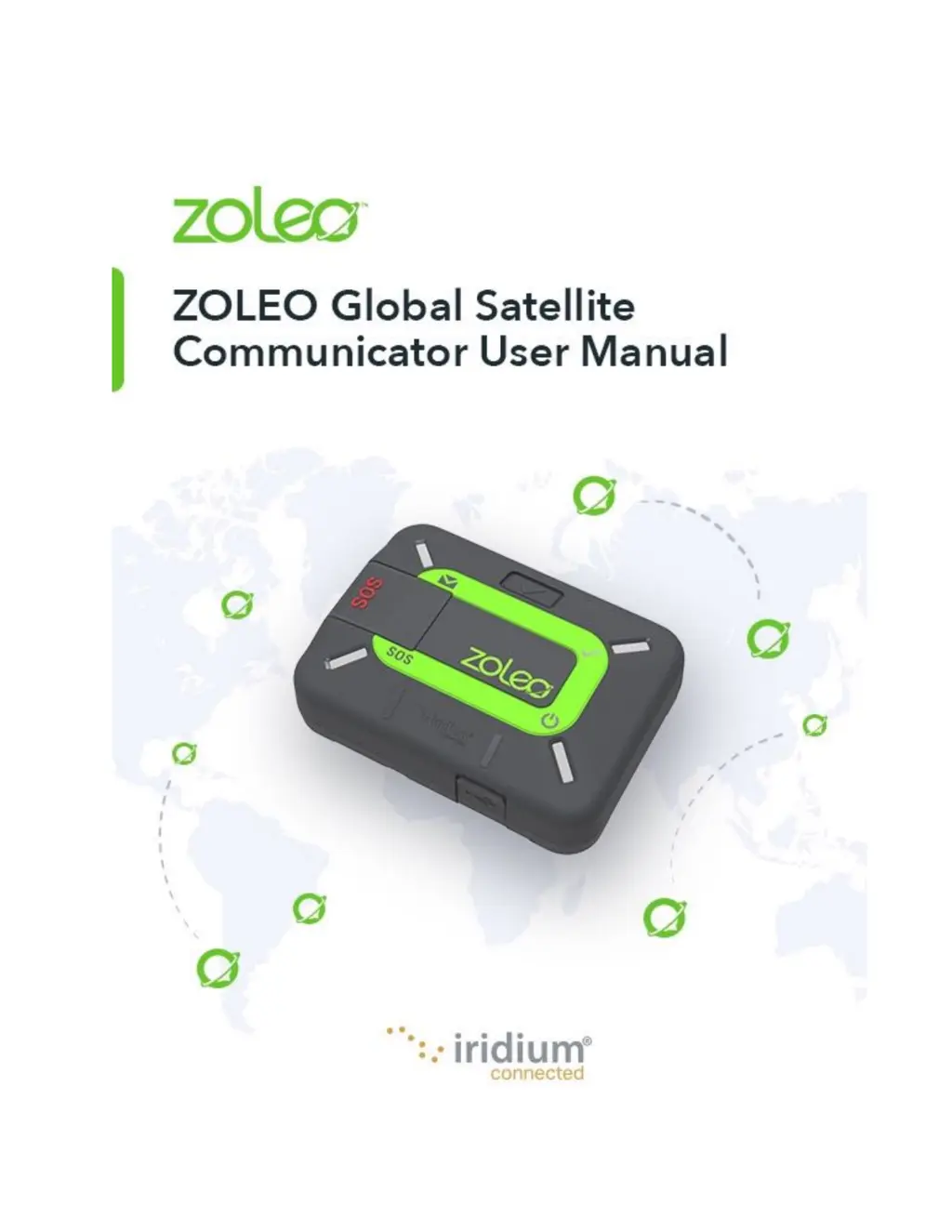
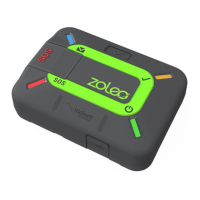
Iridium Zoleo - User Manual

Iridium Zoleo
28 pages
Print Icon
To Next Page IconTo Next Page
Loading...

Table of Contents

Questions and Answers

Summary

Introduction

Glossary

Terms set in italics are explained elsewhere in this glossary.

Items Supplied

Features of the ZOLEO Communicator

Account Owners and Users

Getting Started

Charge your ZOLEO communicator

Details on how to charge the ZOLEO device using a USB cable and power source.

Activate your ZOLEO communicator

Information needed for online activation, including IMEI and contact details.

Install the ZOLEO App

Guide to downloading and setting up the ZOLEO App on smart devices.

Connect your ZOLEO communicator with your ZOLEO App

Steps to pair the ZOLEO communicator with the ZOLEO App via Bluetooth.

Test your ZOLEO communicator

Procedure to verify that the ZOLEO communicator and App are correctly set up and functioning.

Turning on and Off

Turn on

Instructions on how to power on the ZOLEO communicator using the power button.

Turn off

Instructions on how to power off the ZOLEO communicator using the power button or settings.

Connecting your ZOLEO to the satellite

Sending an Emergency SOS

Send an SOS alert

Steps to initiate an SOS alert by pressing the SOS button.

Cancel an SOS alert

How to cancel an SOS alert if it was issued accidentally or no longer needed.

Send a Check-in Message

Messaging

Send a message

Explains how to send app-to-app, email, and SMS messages via the ZOLEO App.

Failed messages

Explains what happens when messages fail to send and how to identify them.

Receive a message

Details how incoming messages are delivered via the ZOLEO server and Iridium network.

Check for messages

How the device automatically checks for new messages and how to manually check.

Weather forecasts

How to request and receive weather forecasts for your current location.

Messaging status

Explains how to interpret the status bar icons for messaging.

Battery status

Satellite signal strength

App and Device Settings

Change your ZOLEO App account

How to change the account details associated with your ZOLEO App.

Delete your ZOLEO App account

Steps to delete the ZOLEO App account, with important warnings about data loss.

Set the notification sound

How to customize notification sounds for messages received in the ZOLEO App.

Add or remove your location from check-in messages

Option to include or exclude location data in check-in messages.

Change the volume of alerts

How to adjust the volume and tone of alerts for various events on the communicator.

Summary of LED and Audio Behaviours

Power

Explains LED and audio indicators related to device power and charging status.

Messaging

Explains LED and audio indicators for different messaging states like sending and receiving.

SOS alerts

Explains LED and audio indicators for SOS alert initiation, acknowledgement, and cancellation.

Power Management

Power-saving settings

How to configure power-saving settings to manage battery consumption.

Low-battery warning

Describes the warning indicators for a low battery charge.

Hot-battery warning

Explains indicators for a hot battery during charging.

Miscellaneous Information

Find a misplaced ZOLEO communicator

How to locate a lost ZOLEO communicator using sound alerts.

Invite friends to join the ZOLEO community

Guide on inviting friends to join the ZOLEO community for chat.

Change your smartphone or tablet

Instructions for changing the linked smartphone or tablet for the ZOLEO App.

Share your ZOLEO communicator

How to temporarily share your ZOLEO communicator with another user.

Your ZOLEO online account

Managing your ZOLEO subscription, plans, and device settings online.

Caring for your ZOLEO communicator

Troubleshooting

Problems, causes and solutions

Common issues, their causes, and suggested solutions for the ZOLEO communicator.

Hardware reset

Instructions for performing a hardware reset on the ZOLEO communicator.

Factory reset

Steps to perform a factory reset, reverting settings to default.

Upgrades

Software Upgrades: ZOLEO App

Information on updating the ZOLEO App software for new features and improvements.

Software Upgrades: ZOLEO communicator

How to update the ZOLEO communicator's firmware for optimal performance.

Support

Technical Specifications

Iridium Zoleo Specifications

General IconGeneral
SOS ButtonYes
Check-in ButtonYes
GPSYes
Water ResistanceIP68
Operating Temperature-20°C to 55°C
Check-in FeatureYes
SOS FeatureYes
CoverageGlobal
Battery LifeUp to 200 hours in power save mode