English
To replace the ink refill (the pen cap serves as an ink refill
extractor):
- Firmly press the top of the cap against the tip of the pen and pull
the used ink refill out.
- Slide the new ink refill in.
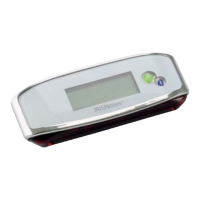
The receiver unit
Charge the receiver unit at least 30 minutes before using the product (full charge time is
3.5 hours): plug the USB cable to the unit and connect it to your PC USB port.
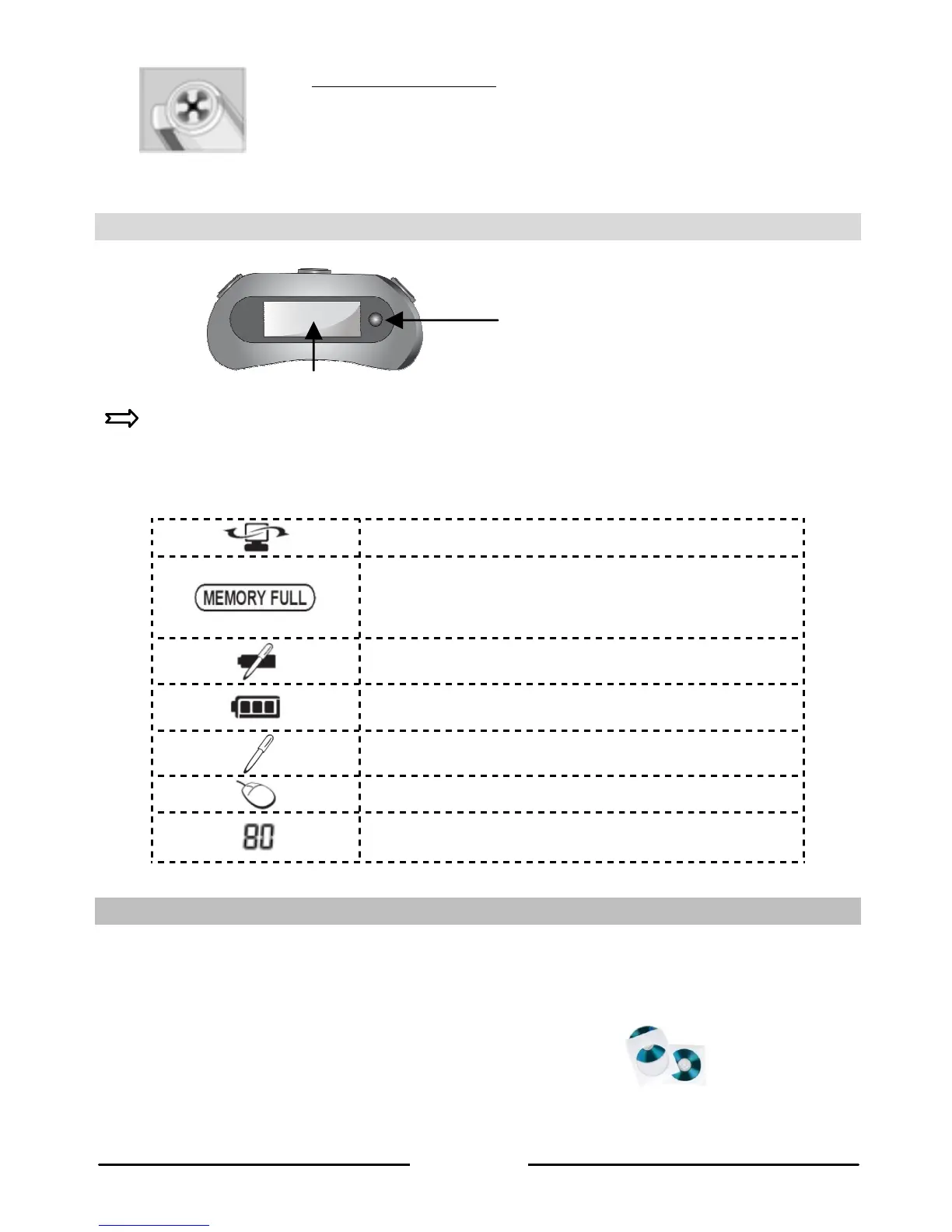
The LCD screen displays the following status indications:
Receiver unit connected to PC
Memory FULL
(upload your files to your PC and delete them from
memory)
Pen low battery
Receiver unit low battery
Note mode
Mouse mode
Number of saved notes in memory
Installing the software
1. Insert the Mobile Note Taker Application Software CD-ROM in your CD-ROM drive
and follow the on-screen instructions.
When the installation is complete, click on Finish, then remove the CD-ROM from the
CD-ROM drive.
The Easy Note Taker icon appears on your desktop.
ON/OFF button
Press for 5 seconds to turn
on
LCD screen



 To Next Page