English English
1. Introduction
The IRIScan
TM
Mouse is a mouse and scanner combined. With the scan function, you can
scan documents by sliding the mouse over them.
The scan results can be saved in several ways. You can drag-and-drop them to file
folders and applications. Save them directly as Doc, PDF and XML files. Share them via
Mail, Facebook©, Twitter© and Flickr©. And send them to apps such as Evernote© and
Google© Translate.
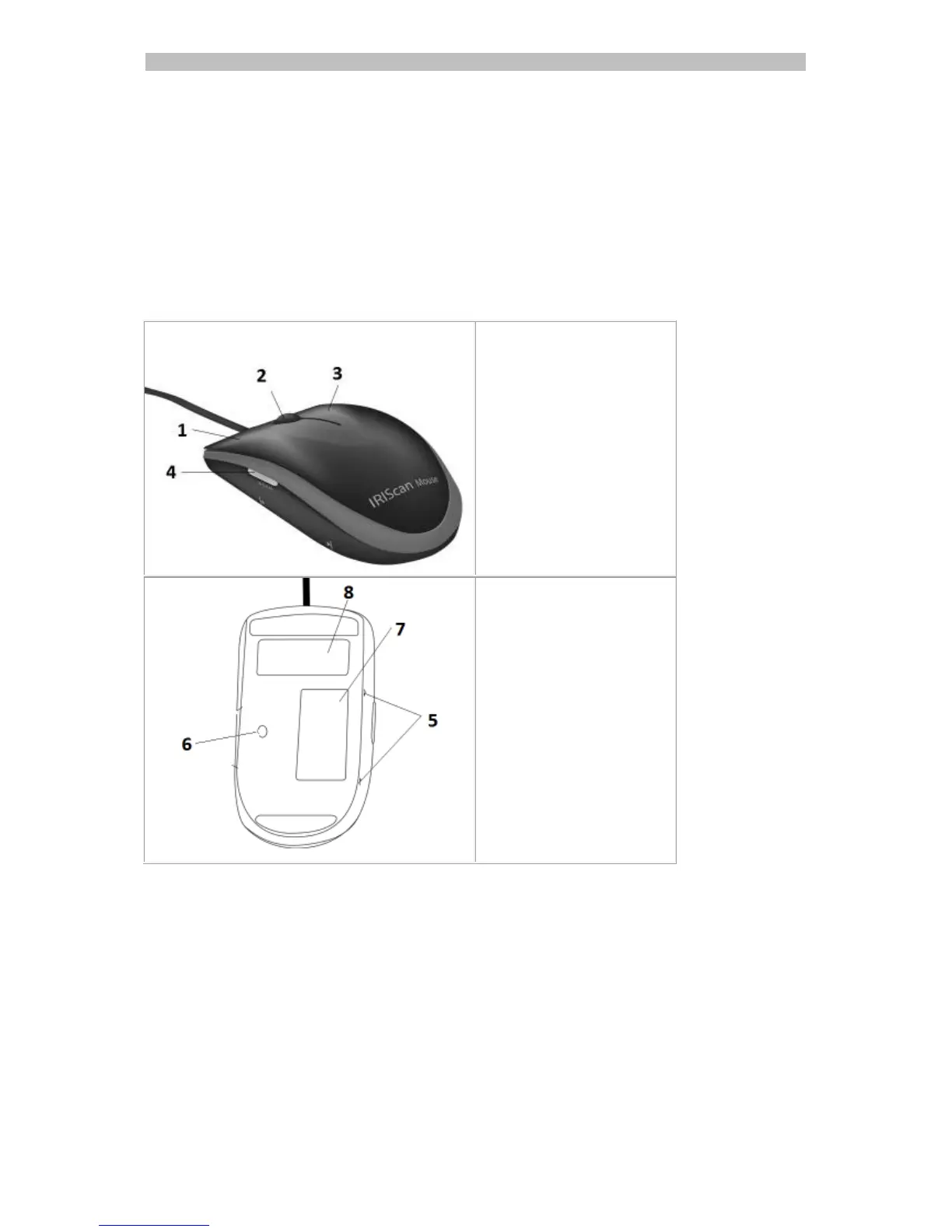
2. Hardware Overview



 To Next Page