Roomba Combo® j7+ Owner’s Guide 6
EN
Care and maintenance instructions
To keep your robot running at peak performance, perform the
procedures on the following pages.
There are additional instructional videos in the iRobot Home App. If you
notice the robot picking up less debris from your floor, empty the Bin,
clean the Filter and clean the Brushes.
Part Care frequency Replacement frequency*
Mopping Pad Clean after a mopping job After 30 washes
Bin Wash Bin as needed
Filter Clean once a week (twice a week
if you have a pet). Do not wash.
Every 2 months
Charging Contacts Clean every 2 weeks
Full Bin Sensor Clean every 2 weeks
Front Caster Wheel Clean every 2 weeks Every 12 months
Edge-Sweeping
Brush and Multi-
Surface Brushes
Clean once a month (twice
amonth if you have a pet)
Every 12 months
Sensor, Camera
Window and
Pad Shelf
Clean once a month
Bags - Bags should be replaced when
prompted by the LED indicator/App.
Blower Cover inside
canister
Once every month (remove
debris from the Blower Cover)
Care and maintenance
Note: iRobot manufactures various replacement parts and assemblies.
If you think that you need a replacement part, please contact iRobot Customer
Care for more information.
*Replacement frequency may vary. Parts should be replaced if there is visible wear.
Troubleshooting your Automatic Dirt Disposal
Your Dirt Disposal will tell you if something is wrong via the LED indicator
on the front of the canister and through the iRobot Home App.
This product has been equipped with a thermal protector designed to
protect against damage due to overheating. If the protector operates,
the motor will stop running. If this happens, unplug the unit, allow to
coolfor30minutes, clear any obstructions from the evacuation port
andevacuation tube, and plug the unit back in.
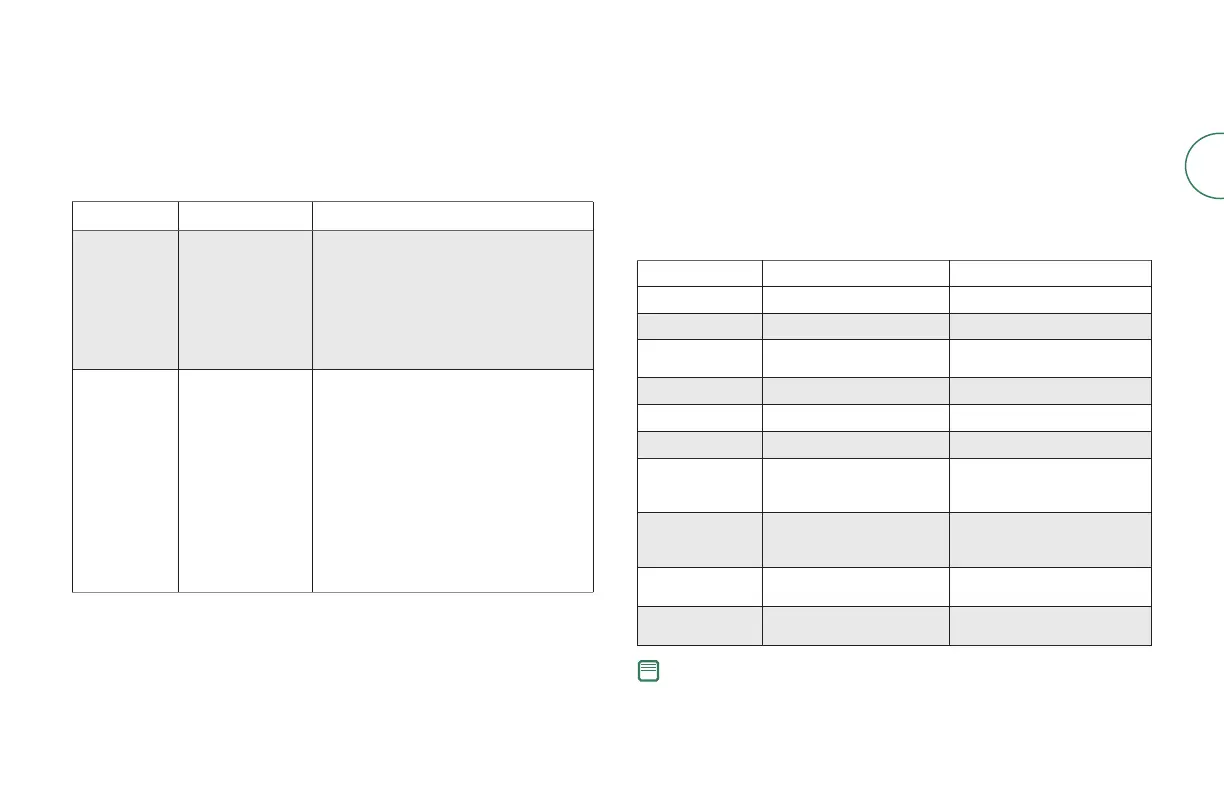
LED indicator Common error How to fix
Solid red Bag full or missing 1. Replace the Bag if it is full or missing.
2. Make sure that the Bag is securely
inserted.
3. If problem persists, remove any debris
from the Port on the bottom of your robot
and the port on the bottom of the Dirt
Disposal.
Blinking red There is a leak or
a clog in the dock
evacuation path
1. Make sure that the canister lid is pushed
down and firmly sealed. Hold the clean
button on your robot down for 2 sec-
onds to manually empty the Bin.
2. Remove any debris from the Port on the
bottom of your robot and the port on
the bottom of the Dirt Disposal.
3. Unplug the Dirt Disposal from the wall.
Place it on its side and inspect the
debris evacuation tube for debris. If
necessary, remove the tube to clear any
debris.



 To Next Page