3 For more information, visit global.irobot.com
EN
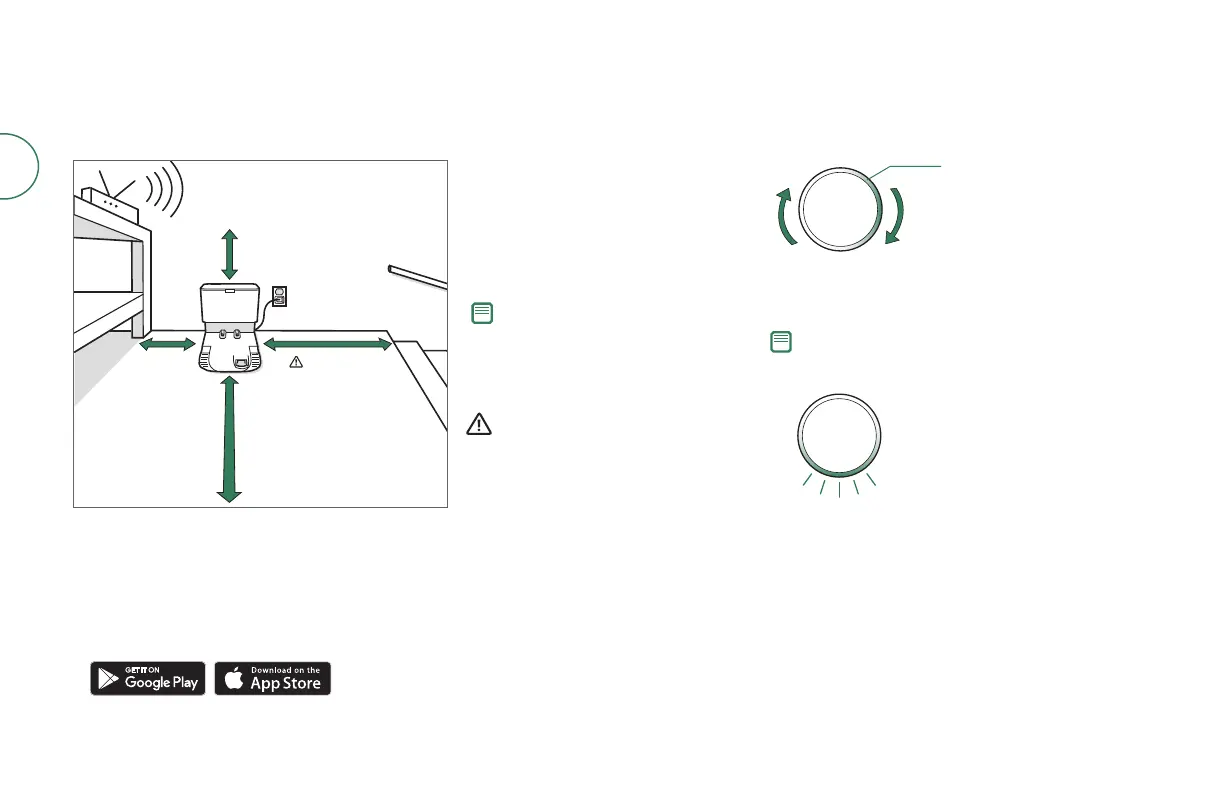
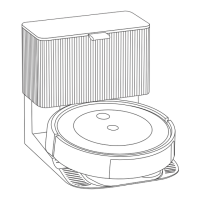
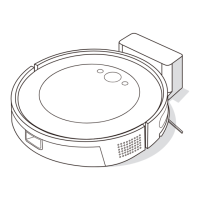
Positioning the Home Base
Charging Station Charging
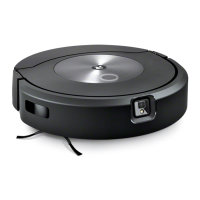
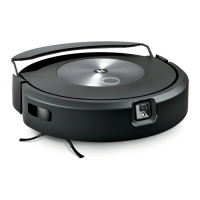
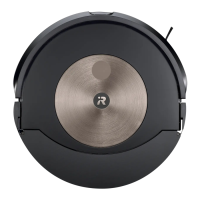
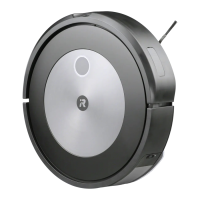
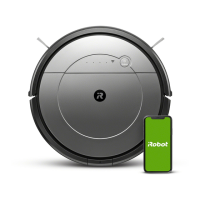
Using your Roomba Combo® Robot Vacuum and Mop
CLEAN
Light Ring Spiral while charging
White Spiral: Charging
A solid white light will indicate
the Battery charge percentage
of your robot
Download the iRobot Home App and connect to Wi-Fi
®
• Follow the step-by-step instructions to set up your Roomba Combo®.
• Set up Precision Vision Navigation to avoid obstacles in real time.
• Set an automatic cleaning schedule and customise cleaning preferences.
• Create smart maps to tell your robot where, when and how to clean.
Note: Do not place your
Home Base in direct sunlight.
Ensure that the area
around the dock is free of
clutter to improve docking
performance.
When your robot is fully charged, the
light ring indicator will intermittently
pulse white at the rear.
WARNING: To prevent the
risk of your robot falling
downstairs, ensure that the
Charging Station is placed
at least 1.2 metres (4 feet)
away from stairs.
Note: Your robot comes partially charged but we
recommend that you charge the robot for three (3)
hours prior to starting the first cleaning job.
• The robot uses a small amount of power whenever
it is on the Charging Station. You can put the robot
in a further-reduced power state when not in use.
For instructions and more details on this Reduced
Power Standby Mode, refer to the FAQ page on
our website.
• For long-term storage, turn o the robot by
removing it from the Charging Station and holding
down the clean button for three (3) seconds with
one Wheel o the ground. Store the robot in a cool,
dry place.
• Place the robot on the Charging Station to activate
the Battery.
0.3 m (1 ft)
above
Good Wi-Fi
®
Coverage
*Objects are not to scale.
1.2 m (4 ft)
from stairs
1.2 m (4 ft)
in front
0.5 m (1.5 ft)
both sides



 To Next Page