15Roomba Combo® 10 Max + AutoWash dock Owner’s Guide
EN
After 90 minutes of inactivity o the dock, the robot will automatically end its
cleaning job. If you are unsure if the robot is nished or paused, visit the iRobot
Home App to check on its status.
Dirt Detect™
When your robot detects an especially dirty area, it will engage Dirt Detect™
mode, moving in a forward/backward motion to clean the area more thoroughly.
The light ring indicator will ash blue when Dirt Detect™ mode is engaged.
Vacuuming
Starting a vaccum only cleaning job from your robot
1
Detach the mopping pad before starting a vacuum job.
2
Return the robot to the dock and press the Clean button on your robot.
NOTE: When starting a vacuum only cleaning job from the iRobot
Home app, you do not need to empty the tank or remove the
mopping pad.
If you start a cleaning job from o the dock, the robot will still end its
job on the dock. If it can’t nd its dock, it will end wherever it started
in your home.
Vacuuming and mopping
Your robot is able to both vacuum and mop at the same time.
When your robot detects carpet during it’s cleaning job, it will lift and tuck the
mopping pad away.
Your dock will rell your robot’s tank as needed and wash its mopping pad when
the job is complete.
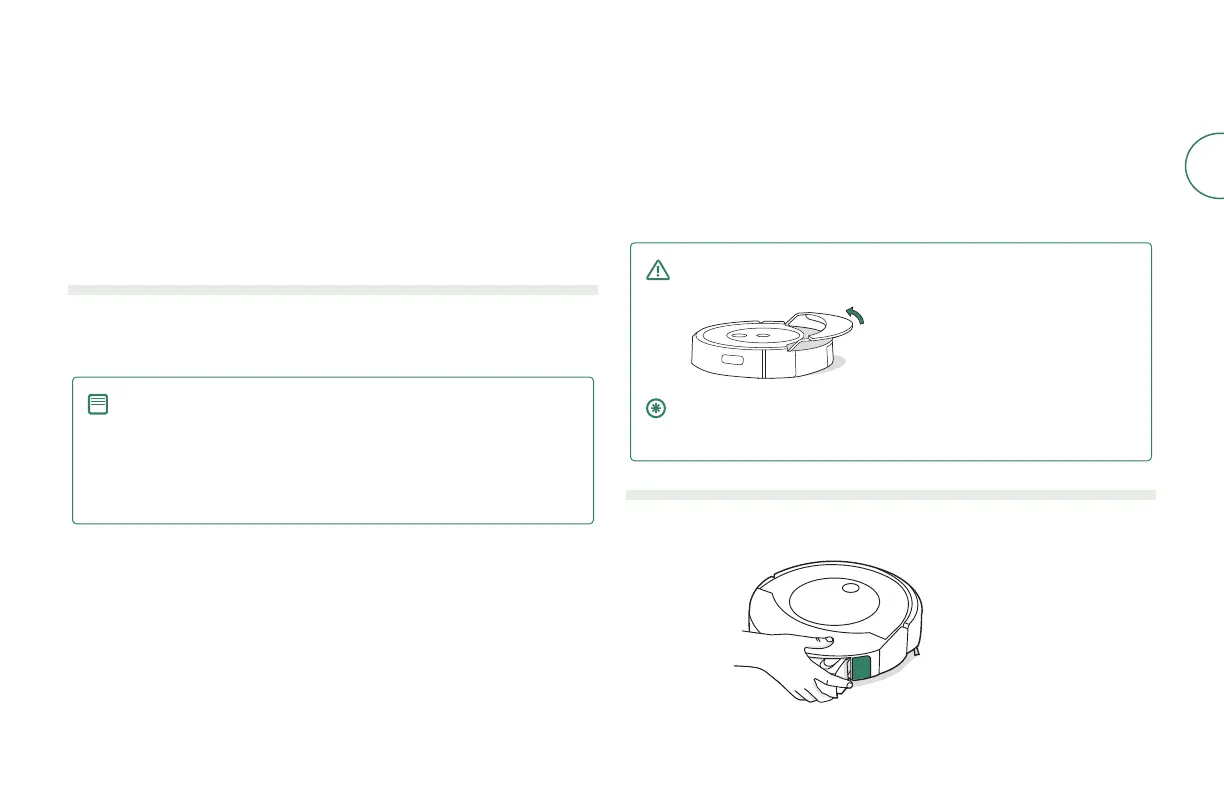
WARNING: To prevent damaging your robot, do not manually stow
the mopping pad plate onto the pad shelf.
IMPORTANT: After completing your mopping and vacuum cleaning
job, make sure to empty the robot bin water tank and replace the
mopping pad.
Starting a vacuum and mop cleaning job from your robot
1
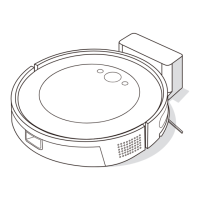
Press bin release button to remove bin.



 To Next Page