19Roomba Combo® 10 Max + AutoWash dock Owner’s Guide
EN
Emptying the bin
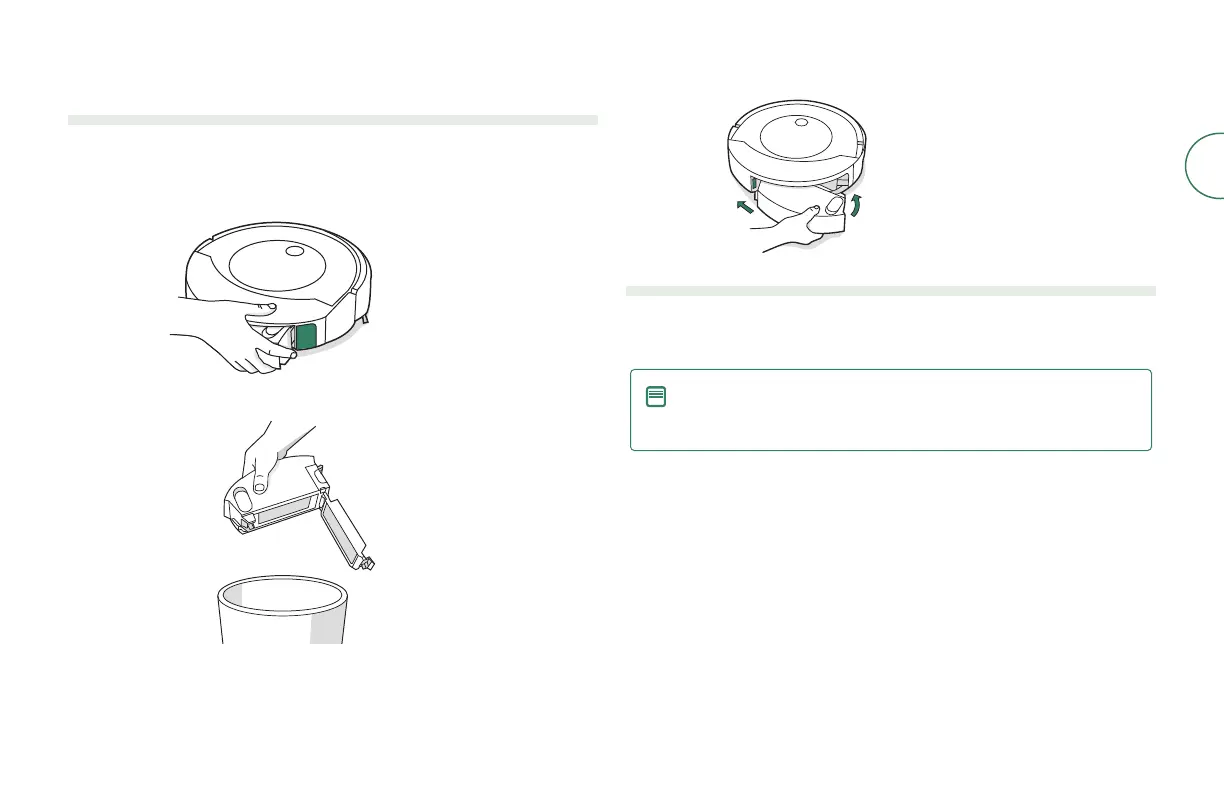
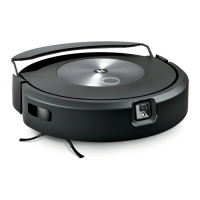
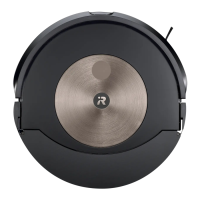
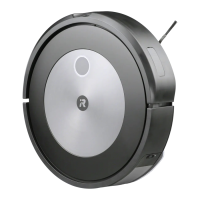
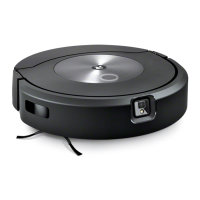
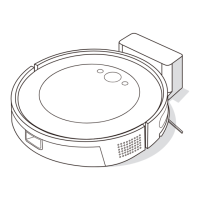
Emptying the bin from your robot
When your robot senses that its bin needs to be emptied, the light ring indicator
will illuminate in a red sweeping motion toward the rear.
1
Press bin release button to remove bin.
2
Open bin door to empty bin.
3
Place bin back in the robot.
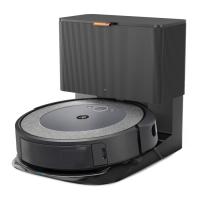
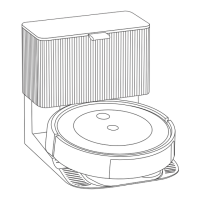
Emptying the bin from your dock
While cleaning, your robot will automatically return to the dock to empty its bin.
Once complete, it will resume the cleaning job where it left o.
NOTE: If you place your robot on the dock by hand, it will not empty
automatically. In this case, use the iRobot Home App or hold the
clean button down for 2-5 seconds.



 To Next Page