5Roomba Combo® 10 Max + AutoWash dock Owner’s Guide
EN
Get started
1 Download the iRobot Home App
Scan the QR code with the camera on your mobile device or nd the iRobot Home
App in your app store.
• Follow step-by-step instructions to set up your robot.
• Complete setup in the app to allow your robot to identify and avoid obstacles
in real time.
• Set an automatic cleaning schedule and customize cleaning preferences.
• Create smart maps to tell your robot where, when and how to clean.
• Access to tips, tricks, and answers to commonly asked questions. Follow step-
by-step instructions to set up your robot.
IMPORTANT: Read enclosed safety information guide rst before
using your robot.
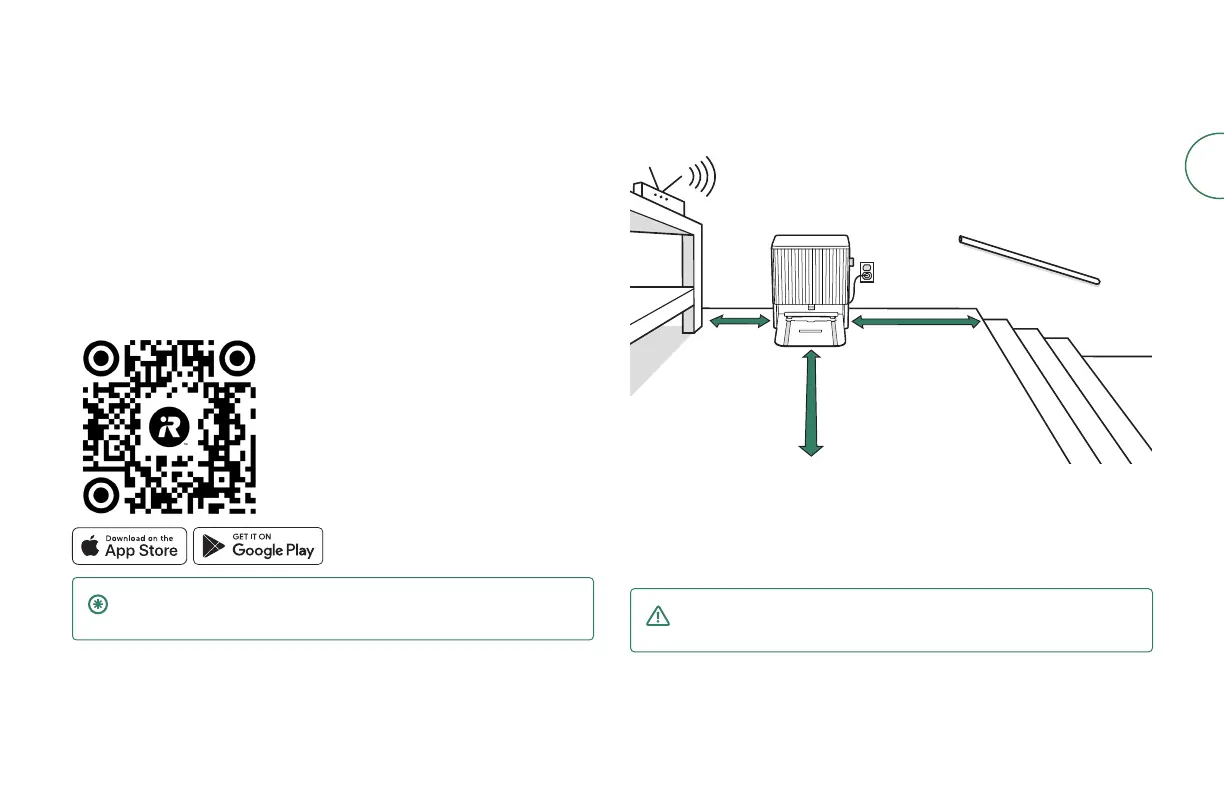
2 Position the dock
Good Wi-Fi® Coverage
1.5 ft (0.5 m)
both sides
4 ft (1.2 m)
from stairs
4 ft (1.2 m) in front
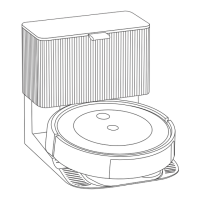
• Position your dock on hard surface ooring, near an outlet, in an area with
good WiFi® coverage.
• Do not place it in direct sunlight.
• Ensure the area around the dock is free of clutter to improve docking
performance.
WARNING: To prevent the risk of your robot falling down stairs, ensure
that your dock is placed at least 4 feet (1.2 meters) away from stairs.



 To Next Page