EasyManua.ls Logo

IronAir TTD1146OF - User Manual

IronAir TTD1146OF
16 pages
Print Icon
To Next Page IconTo Next Page
Loading...
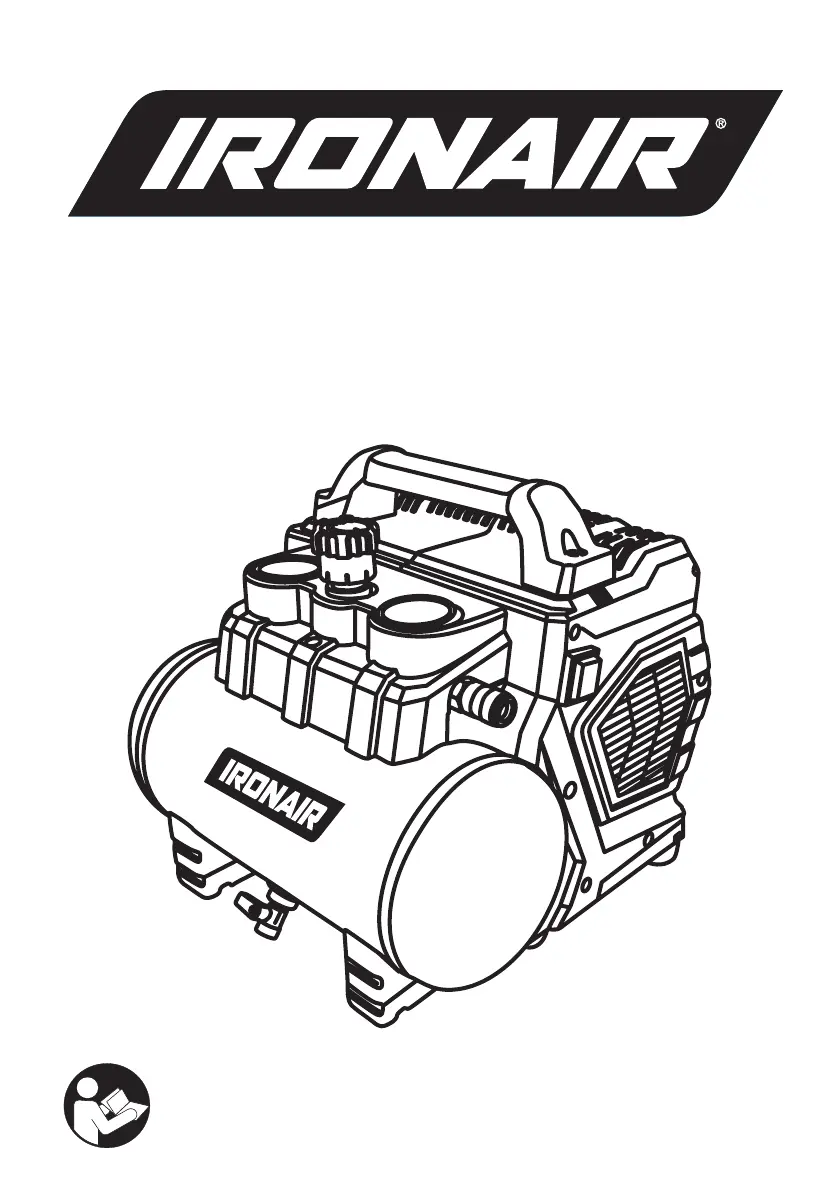
0.75 HP 6 LITRE COMPRESSOR
Oil Free Low Noise
TTD1146OF (..155023)
OPERATING
INSTRUCTIONS
TO PREVENT SERIOUS INJURY, READ
AND UNDERSTAND ALL WARNINGS
AND INSTRUCTIONS BEFORE USE.

Questions and Answers

  • M
    Matthew BanksAug 6, 2025
    What to do if my IronAir Air Compressor will not run?
    • V
      vflemingAug 6, 2025
      If your IronAir Air Compressor won't run, first ensure it's plugged in and check the fuse or breaker. If the fuse is blown, replace it. Also, the motor will restart automatically after approximately 15 minutes if the thermal overload switch has been activated. If these steps don't resolve the issue, the pressure switch may need repair, and you should contact an authorized service center.
  • B
    brian29Aug 12, 2025
    Why does the IronAir Air Compressor keep blowing fuses?
    • J
      Jessica CastroAug 12, 2025
      If the fuses blow or the circuit breaker trips repeatedly on your IronAir Air Compressor, ensure you are using the correct size fuse and that the circuit isn't overloaded. Use a time delay fuse. Disconnect other electrical appliances from the circuit, or operate the compressor on its own branch circuit. If the issue persists, the check valve or pressure switch may be defective, and you should contact an authorized service center.
  • J
    Juan WestAug 18, 2025
    What to do if IronAir Air Compressor motor hums but cannot run?
    • F
      francislauraAug 18, 2025
      If your IronAir Air Compressor motor hums but cannot run or runs slowly, check the voltage with a voltmeter to ensure it's at least 105V. If the voltage is sufficient, the issue might be a shorted or open motor winding, a defective check valve or pressure switch, or compressed air in the cylinder. For motor winding or valve issues, contact an authorized service center. If there is compressed air in the cylinder, turn the AUTO & OFF switch to the OFF position for 15 seconds, then turn it back to the AUTO position.
  • W
    William StewartAug 25, 2025
    Why does the thermal overload protector keep cutting out on my IronAir Air Compressor?
    • H
      howardmichaelAug 25, 2025
      If the thermal overload protector on your IronAir Air Compressor cuts out repeatedly, check the voltage with a voltmeter to ensure it's at least 105V. Also, the air filter may be clogged (clean the filter), or there may be a lack of proper ventilation. Move the compressor to a well-ventilated area.
  • U
    ularsonAug 30, 2025
    How to fix tank pressure drops when IronAir Air Compressor shuts off?
    • W
      wmercerAug 30, 2025
      If the tank pressure drops when your IronAir Air Compressor shuts off, check for air leaks at connections (fittings, tubing, etc.) and use sealing connections. Ensure the drain valve is tightened. If these steps don't solve the problem, the check valve may be leaking. Disassemble the check valve assembly and clean or replace it, but only after bleeding the tank.

Summary

Specifications

Important Information

Manual Signal Words

Defines signal words like CAUTION and WARNING for hazard identification.

Safety Information

Replacement Parts

Grounding Instructions

Instructions for safely grounding the compressor to prevent electric shock.

Introduction

Pre-Operation

Pre-Operation Checklist

Steps to verify package contents and ensure readiness before use.

Assembly

Instructions for attaching the handle, filter hoses, and rubber feet.

Inspect for Damage

Guidance on checking the compressor for any damage before operation.

Environment

Recommendations for operating the compressor on a flat surface and in safe conditions.

Fire Risk

Clean Air

Electrical Power Requirements

Electrical Extension Cords

Setup

Test Run

Procedure for performing a test run before initial use of the compressor.

Daily Operation

Starting the Compressor

Step-by-step guide on how to start the air compressor correctly.

Shutting Down the Compressor

Instructions for safely turning off and securing the air compressor.

Maintenance, Cleaning and Storage

Draining the Air Tank

Procedure for draining accumulated water from the air tank.

Air Filter

Information on cleaning or replacing the air filter for optimal performance.

Testing for Leaks

Methods to check for and identify air leaks in the compressor system.

Cleaning

Guidelines for cleaning the compressor unit safely and effectively.

Storage

Instructions for storing the compressor properly for long periods.

Troubleshooting

Parts Breakdown

Exploded Diagram

Circuit Diagram

Warranty Information

IronAir TTD1146OF Specifications

General IconGeneral
BrandIronAir
ModelTTD1146OF
CategoryAir Compressor
LanguageEnglish