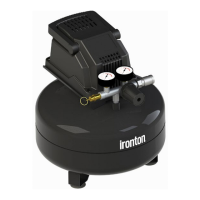
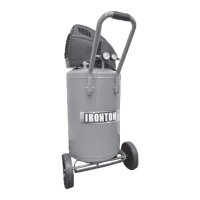
● Before each use,
1. check for any unusual noise or vibration.
2. be sure all nuts and bolts are tight.
● After each use, drain condensation from the air tank.
● Inspect air system for leaks by applying soapy water to all joints. Tighten these joints if leaks are
discovered.
Always inspect the compressor before use, and make sure it is in good working condition. Make sure all air
vents are clear. Check the power cable to make sure it is intact and free from cracks, bare wires etc. Avoid
using solvents when cleaning plastic parts, most plastics are susceptible to damage from the various types of
commercial solvents.
Compressor will not start
1. Blown fuse or circuit breaker
tripped
1. Replace or reset fuse/circuit breaker
2. Loose electrical connections
2. Check wiring connections
3. Air leak in safety valve
3. Check valve by pulling on ring. If
condition persists, replace valve
Defective pressure switch
1. Allow the compressor to build pressure
in the tank, to the max pressure if
possible. Spray or brush soapy water on
all air connections and look for bubbles.
Tighten leaky connections. Do not over-
tighten.
2. If the problem continues, contact
customer support for further advice.
Unloader valve leaks
when pump is not running
Unloader valve seal defective
Allow air in the air tank out until all
pressure is released. Remove the un-
loader valve plug and clean the valve
seal. If damaged, replace seal and
re-install.
Compressor stopped and
will not re-start
1. Thermal overload protector
has engaged due to motor
overheating
1. Check that the main supplied voltage
corresponds to the compressor
specifications. An inadequate extension
cord (too thin or too long) can cause
the motor to overheat due to voltage
drop. Excessive use (over 1 hour
continuous) can cause motor
overheating. Allow the motor to cool
down.
2. Motor windings burn-out
Motor does not start
and makes a humming
sound


 To Next Page