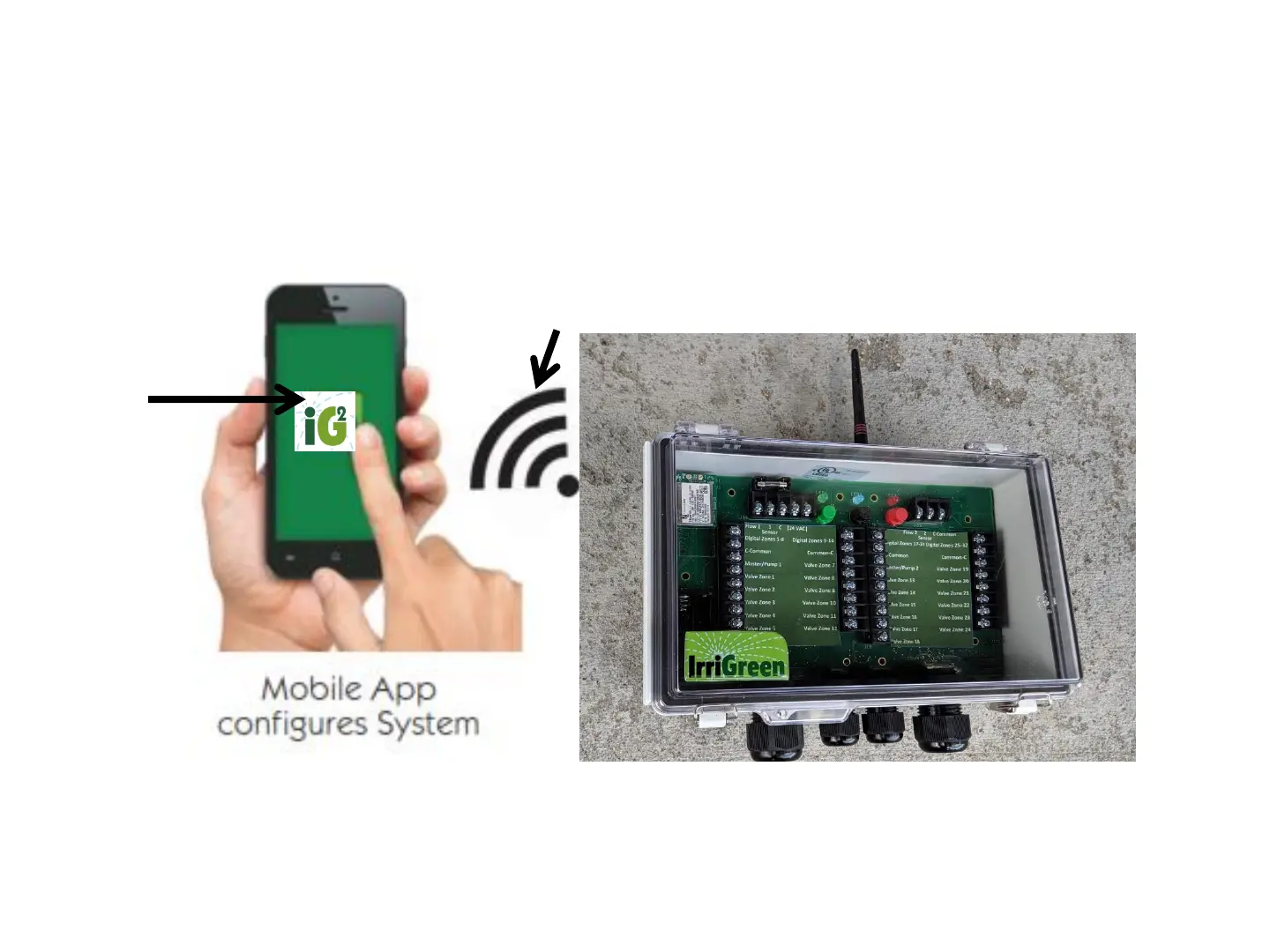
Irrigreen2 App
Log onto Irrigreen Wi-Fi network with your mobile device to get started
Rollover to property Wi-Fi network for system monitoring (see App Manual)
Irrigreen private Wi-Fi signal from Controller (2.4 GHz)
Wi-Fi Range: Wi-Fi is a low-power radio signal
Controller location, landscape elevations (signal going through
soil), house construction (stucco, steel, etc.) affects Wi-Fi
range. Wi-Fi extenders will extend range while mapping zones.
IrriGreen has Wi-Fi extenders available.
Note:
For Irrigreen system monitoring, roll the system over to
the property owner’s Wi-Fi network for internet access.
Rolling the Wi-Fi over to Property’s Wi-Fi network will
typically improve Wi-Fi range.
17
White IG2
App Icon
(The Green and
Blue Icon apps are
for legacy systems)



 To Next Page