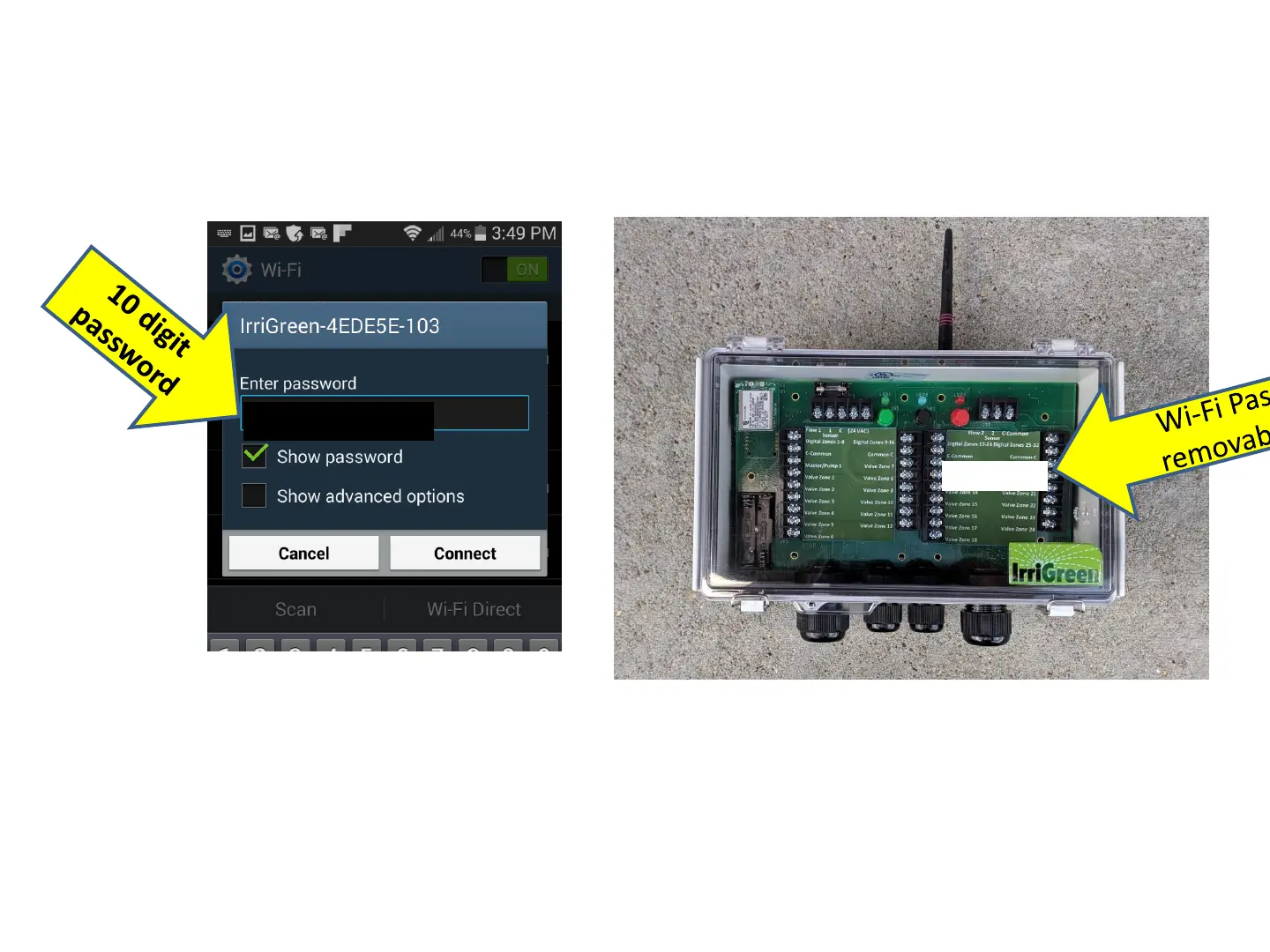
Log on IrriGreen® Wi-Fi Network: Step 4
4. Enter 10 digit password on removable label
Log-in Hints
A. Make sure you are in Wi-Fi range of Controller, check Wi-Fi signal strength meter
B. Password entered correctly, check UPPER/lower cases
C. Device sees network but doesn’t connect. (Device settings may be preventing it from
logging onto a Wi-Fi networks without Internet access … sometimes called “Wi-Fi
optimization”, look in Network Settings on your device
D. May have to click on a “Yes, connect, No Internet Access” type message on your device
4
0123456789
0123456789



 To Next Page