Menu Introduction:
Usage Instructions:
1. Install Batteries
Open cover, put into two A4 alkaline batteries, and then press Power/Scan button
2. Insert SD Memory Card
Do not force to insert, it will damage scanner and SD card
3. Format SD Card
Press “FORMAT” button, “F” shows on display, then press “SCAN” and it begins to format SD card.
When SD card sign on display stop to light, it means it finished formatting.
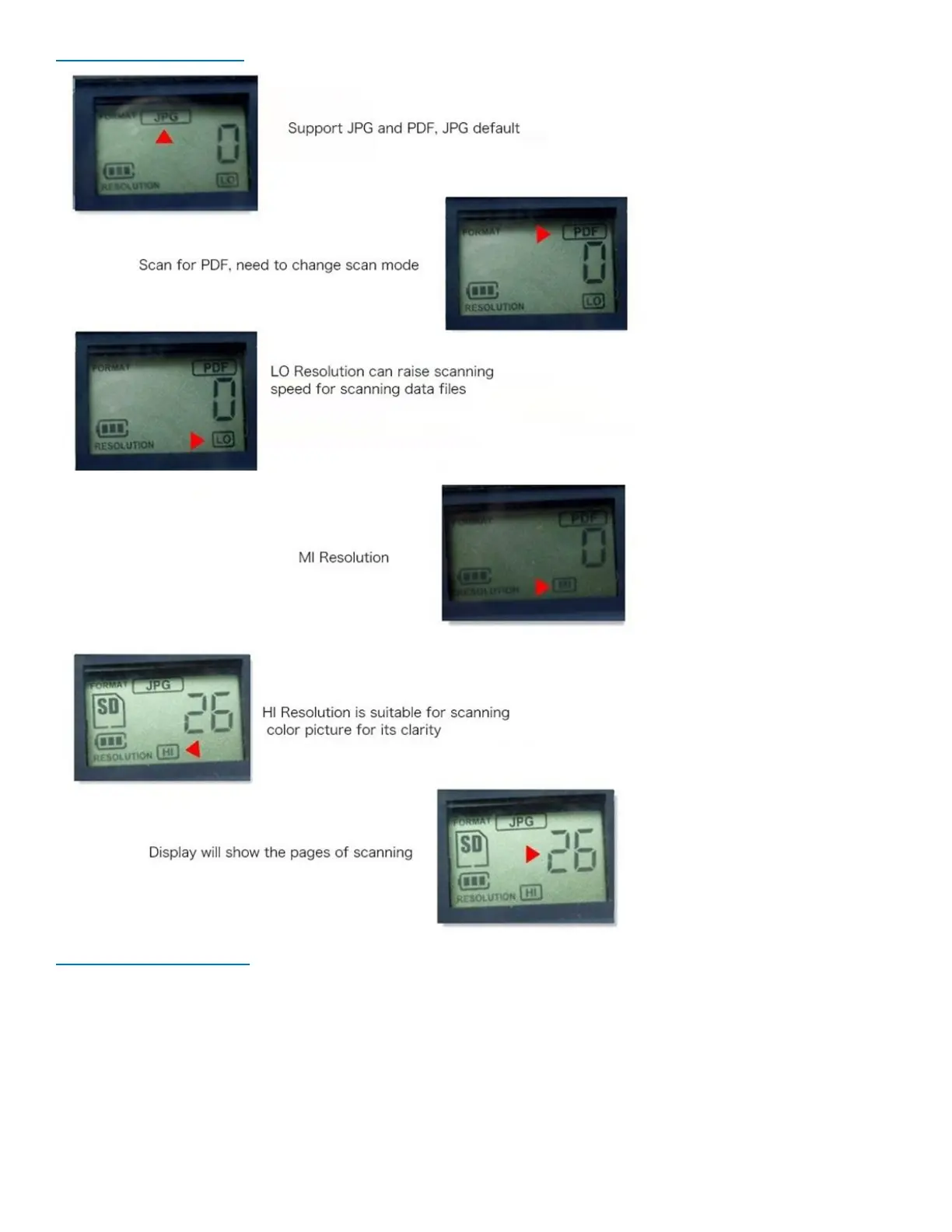
4. Set Resolution, Scanning form and Scanning color


 To Next Page