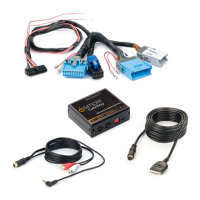
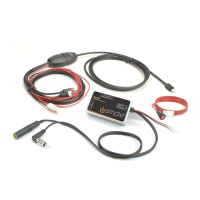
Need help?
Do you have a question about the iSimple Connect GM and is the answer not in the manual?
Details operation of iPod, iPhone, or iPad via USB or Bluetooth.
How to use steering wheel controls for track navigation and browsing.
Guide to pairing a phone with the iSimple Connect.
How to select Bluetooth mode for Navigation and Non-Navigation radios.
Details functions like Answer/End Call, Call Waiting, Privacy, Reject, Voicedial.
Crucial note regarding Bluetooth mode for certain functions.
How to stream audio wirelessly via Bluetooth.
 General
| Brand | iSimple |
|---|---|
| Model | Connect GM |
| Category | Automobile Accessories |
| Language | English |

 To Next Page