Previous Track
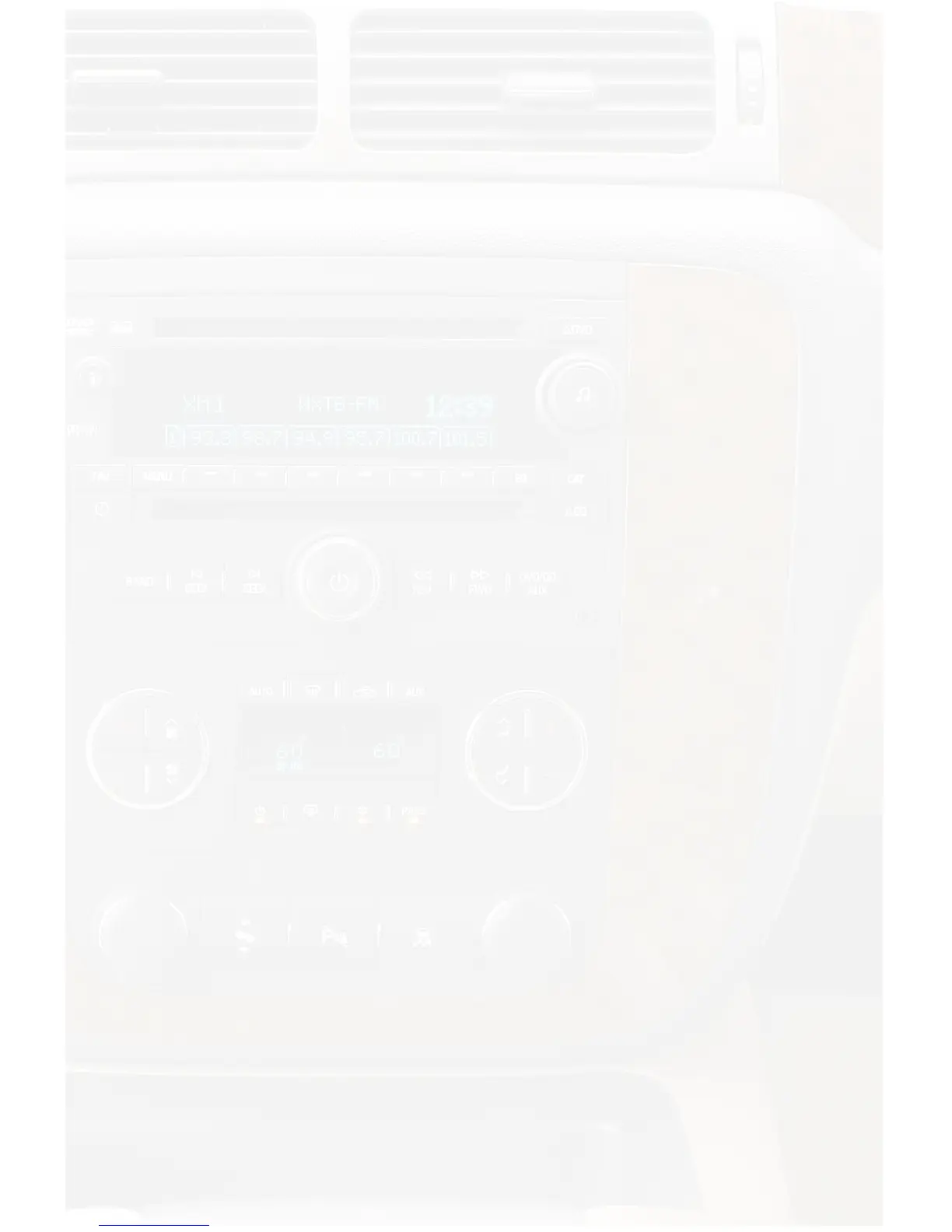
Turn the rotary TUNE KNOB counter-clockwise one notch to move back to the previous
track.
Fast Forward
Press ►I SEEK to fast forward the song that is playing. Press ►I SEEK
again to resume play.
Rewind
Press I◄ SEEK to rewind the song that is playing. Press I◄ SEEK again to resume
play.
Entering Browse Menu / Select
Press the
FWD>>
button to enter the browse menu or to make a selection while in the
browse menu.
Menu UP
Press the <<REV button to move back one step in the browse menu.
Exit Browse menu
After 10 seconds on inactivity, the browse menu will exit automatically.
Steering Wheel Controls
Press the ▲ button to advance to the next track.
Press the ▼ button to return to the previous track.
Press the ►I button to enter into the browse menu and to make a selection while in
the browse menu.
Press the ▲ or ▼ buttons while in the browse menu to scroll through the menus.
Browse Function Example: Browsing by Folder
Press the
FWD>>
button to enter the browse menu.
”FOLDER” will appear on your display.
Press
FWD>>
to select browse by Folder.
The list of Folders on your device will be displayed one at a time in alphabetical
order.
Turn the rotary TUNE KNOB to cycle through the Folders.
When the desired Folder is displayed on the radio,
Press the
FWD>>
button to select the Folder and display the Files in that folder.
The Files from the selected Folder will be displayed one at a time in
alphabetical order.
Turn the rotary TUNE KNOB to cycle through the Files.
Once the desired File is displayed,
Press the
FWD>>
button to select and play the desired File.
The display will automatically update to display and scroll the title of the
chosen song.


 To Next Page