14
Troubleshooting
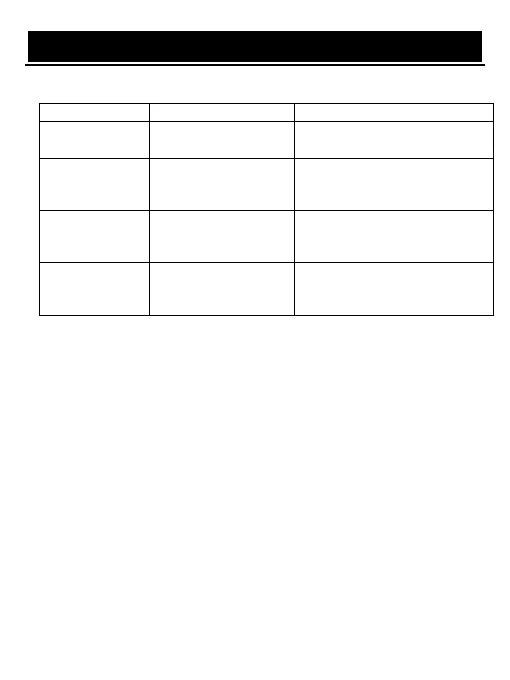
The below table is list of common problems that many occur with your receiver.
Power on, but
nothing displayed
on screen
Unit not turned on at
main switch
Ensure power plug is plugged into
wall socket and switch is on
TV picture drops
out and the unit
displays "NO
signal"
Antenna is not properly
connected or you are in
a bad reception area
Talk to your local TV antenna
technician about reception problems
in your area and whether a new
antenna would benefit you
Receiving digital
TV but missing
some channels
Antenna is not properly
connected or you are in
a bad reception area
Talk to your local TV antenna
technician about reception problems
in your area and whether a new
antenna would benefit you
Batteries are flat or there
is interference
Talk to your local TV antenna
technician about reception problems
in your area and whether a new
antenna would benefit you


 To Next Page