PLAYING MUSIC VIA AUX (WIRED MODE)
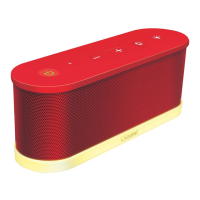
1. Make sure iGlowSound
™
waves is charged.
2. Turn iGlowSound
™
waves on by pressing the power button at the top left. A green LED will appear through the button.
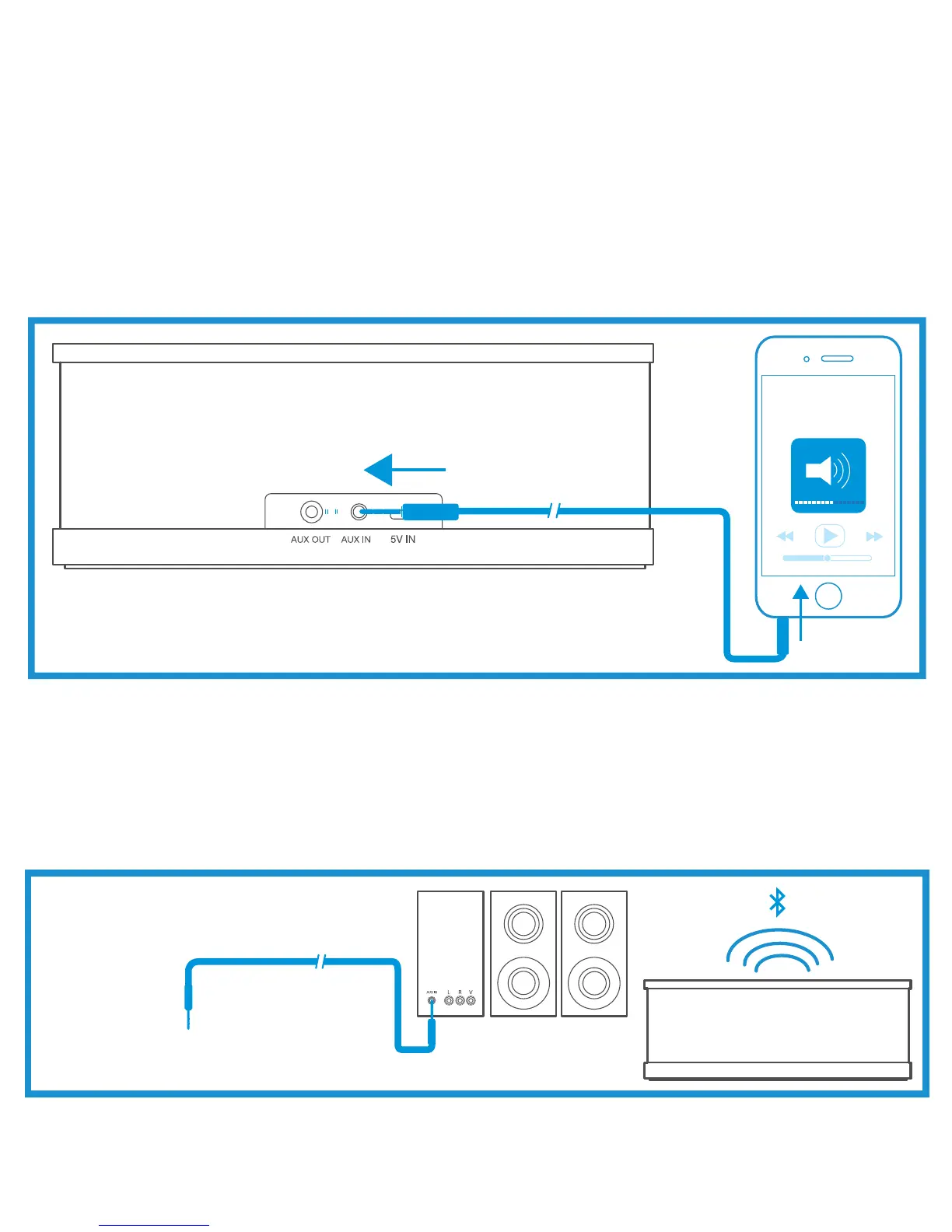
3. Connect one end of the included 3.5mm audio cable to the “AUX IN” port on the back of the unit. Connect the other end to
the 3.5mm headphone jack of your audio device.
NOTE: Connecting the audio cable will override Bluetooth mode. iGlowSound
™
waves will automatically switch to auxiliary when
the audio cable is connected.
4. Make sure the volume of your audio device is set to medium/low.
5. Play music on your device and slowly adjust the volume to the desired level. You can adjust the volume either by pressing the
volume buttons on iGlowSound
™
waves or your audio device.
PLAYING MUSIC VIA AUX OUT MODE (USE IGLOWSOUND™WAVES AS A BLUETOOTH
®
RECEIVER):
1. Insert the 3.5mm audio cable into the AUX OUT jack on the back of iGlowSound
™
waves. The speaker will automatically
change to AUX OUT mode.
2. Connect the other end of the 3.5mm audio cable into the AUX IN of your home audio system or other higher powered
equipment to enjoy music wirelessly on your audio system. AUX OUT allows you to make speakers wireless that otherwise
would not be. It essentially turns iGlowSound
™
waves into a Bluetooth receiver.
LIGHT MODE
Press the light button located next to the power button to turn light ON or OFF.


 To Next Page