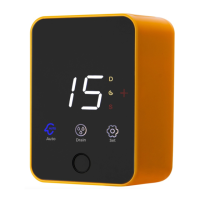
(4) Press and hold "Extra Cycle" and "Up" at the same time for 5 seconds to view diagnostic
data:
The SXT control records and maintains diagnostic data to assist with servicing and troubleshooting
the water treatment system.
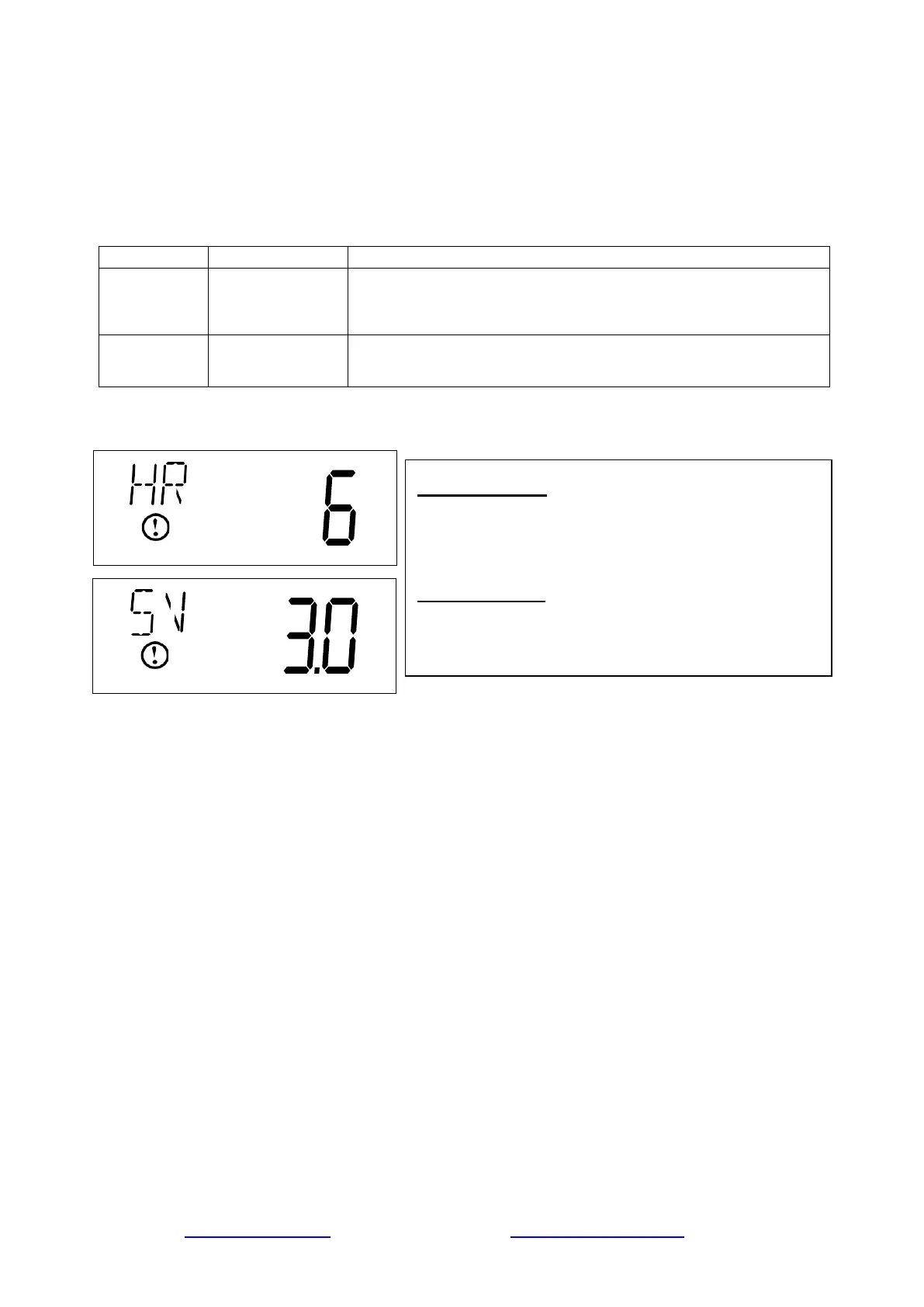
HR
Hours in Service
Displays the total hours that the unit has been in service since
last regeneration.
SV
Software Version
Displays the software version installed on the
controller.
Display Code HR:
Press the Up button. Use this display to view the Hours in
Service since the last regeneration cycle. This option
setting is identified by "HR" in the upper left corner of the
screen.
Display Code SV:
Press the Up button. Use this display to view the Software
Version. This option setting is identified by "SV" in the
upper left corner of the screen.
www.123filter.com | (678) 261-7611 | support@123filter.com Page 6


 To Next Page
 Loading...