4-35
CONTROLS AND INSTRUMENTS
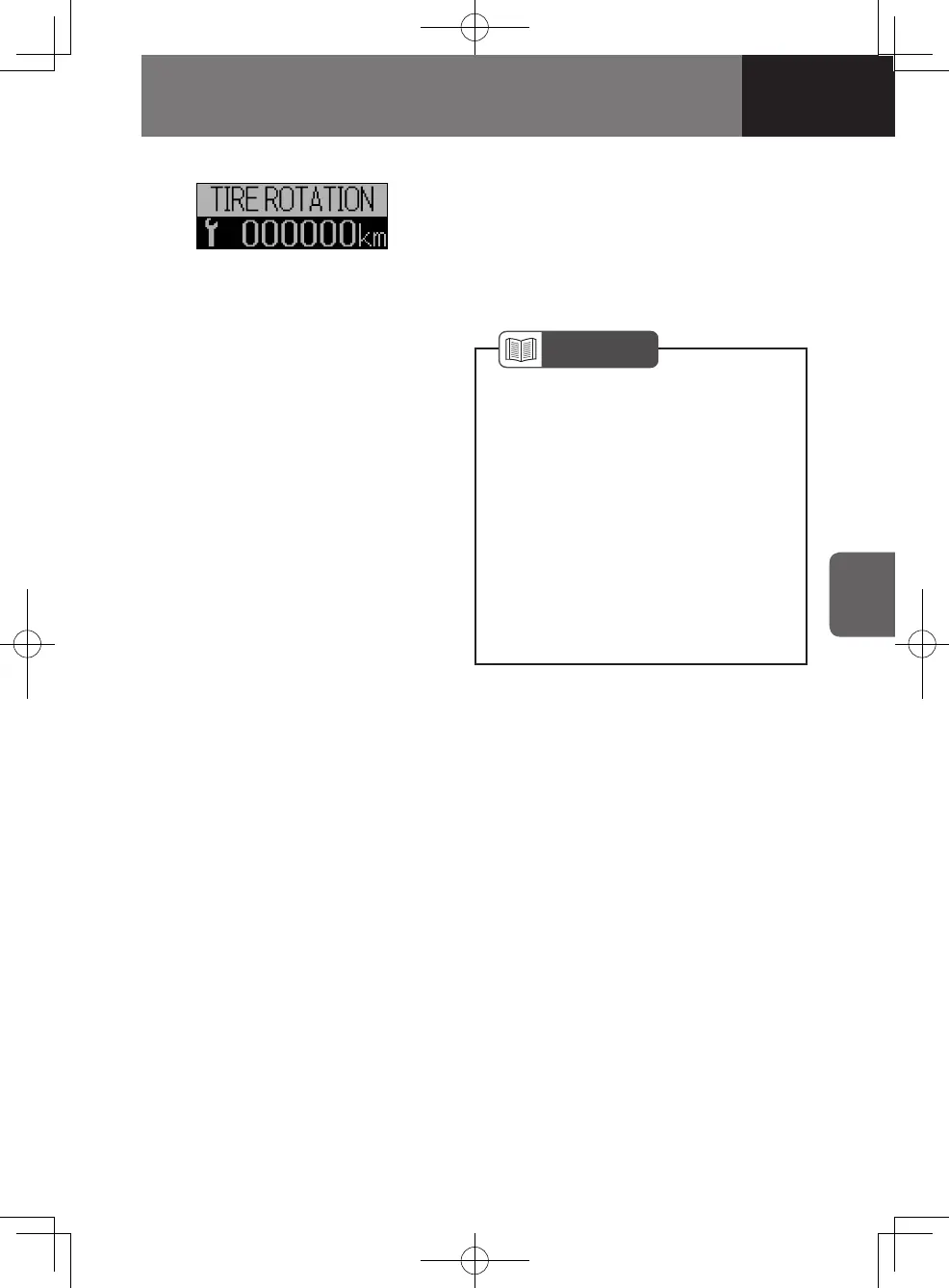
Setting the Tire Rotation Interval
(Odometer Reading)
1. On the MID, go to the TIRE
ROTATION screen.
2. Enter the setting change screen by
pressing and holding the MID select
knob.
3. Set the tire rotation interval by turning
the MID select knob.
• Turn clockwise → Increase distance
• Turn counterclockwise → Decrease
distance
4. Complete the setting by pressing and
holding the MID select knob.
NOTE
Your vehicle has been shipped
from the factory with no tire rotation
interval set. Therefore, the initial
indication on the TIRE ROTATION
screen is "OFF" instead of a
distance.
If you want to cancel the setting
procedure, press the MID select
knob once. The display goes back
to the screen that was displayed just
before entering the setting change
screen.
•
•
4608498sec04CONTROLSANDINSTR4-354-354608498sec04CONTROLSANDINSTR4-354-35 2015/11/0213:58:412015/11/0213:58:41



 To Next Page