5-42
COMFORT AND CONVENIENCE
Scan Tuning (Automatic Tuning)
1. Press the AM/FM button "AM/FM/
CLOCK" to select the band.
Preset memory No.
Preset Buttons
A maximum of 6 stations ("1" to "6") can be
programmed to the preset buttons for each
of the FM1, FM2, and AM bands.
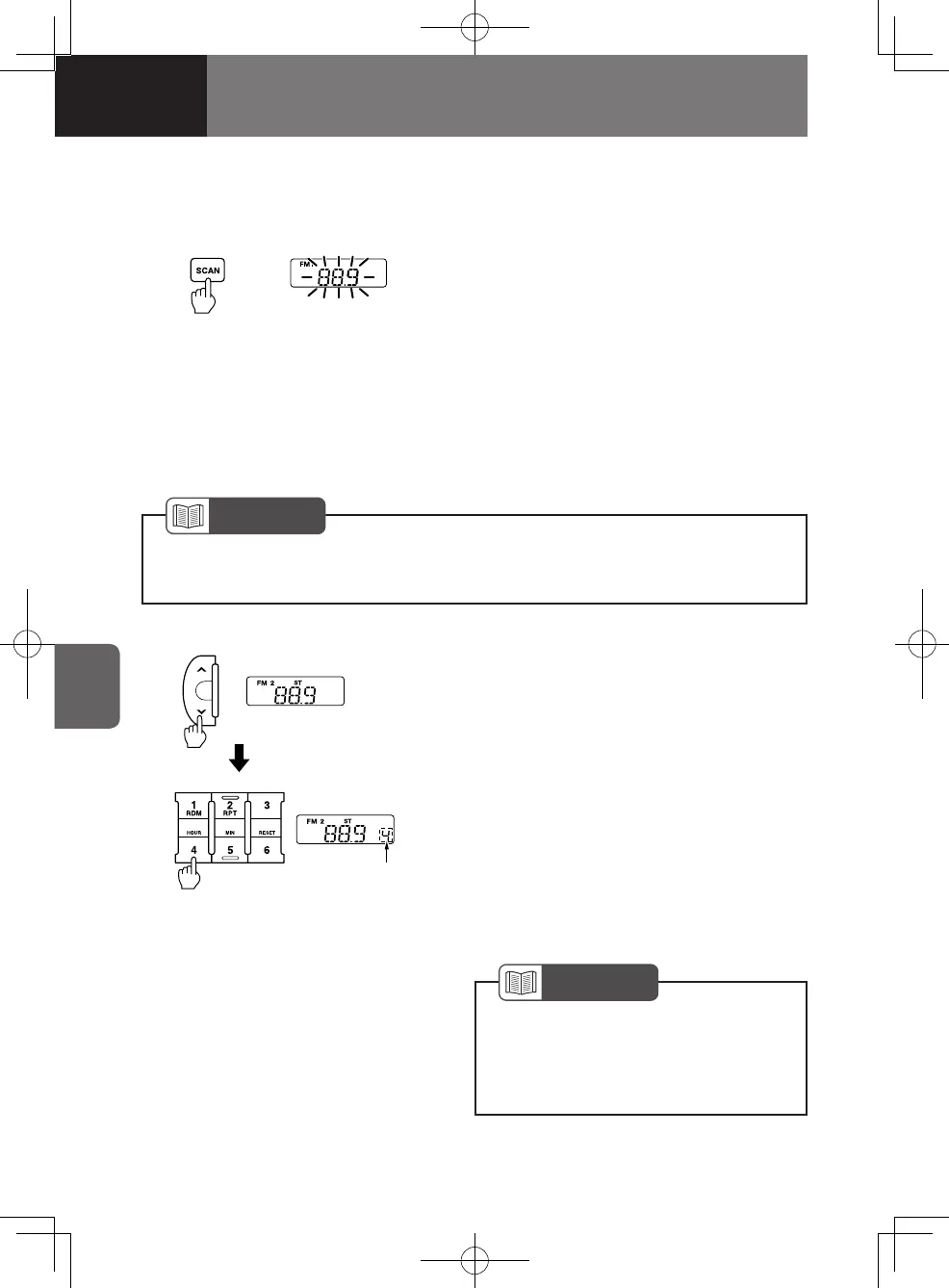
1. Tune the radio to the station you want
to store in memory.
2. Press and hold the desired preset
button ("1" to "6") for 2 seconds or
more. When you hear the "beep", the
station is successfully stored in the
memory.
To listen to a preset station, press the
appropriate preset button ("1" to "6")
lightly for less than 2 seconds.
NOTE
If automatic tuning cannot be used due to a weak signal, tune to the desired
station manually.
•
NOTE
The radio stations in memory are
erased when the power supply is
interrupted to replace the battery or
fuses.
•
BlinksSCAN button
2. Pressing the "SCAN" button starts an
automatic scan-seek tuning upwards
through frequencies. If the radio tunes
to a receivable station, it receives the
station for 5 seconds before the radio
starts another scan-seek tuning again.
If you press the "SCAN" button during
an automatic scan-seek tuning, the
automatic tuning will be cancelled and
the radio continues to receive the last
tuned station.
4608498sec05COMFORTANDCONVEN5-425-424608498sec05COMFORTANDCONVEN5-425-42 2015/11/0214:11:262015/11/0214:11:26



 To Next Page