5-46
COMFORT AND CONVENIENCE
Playing CDs
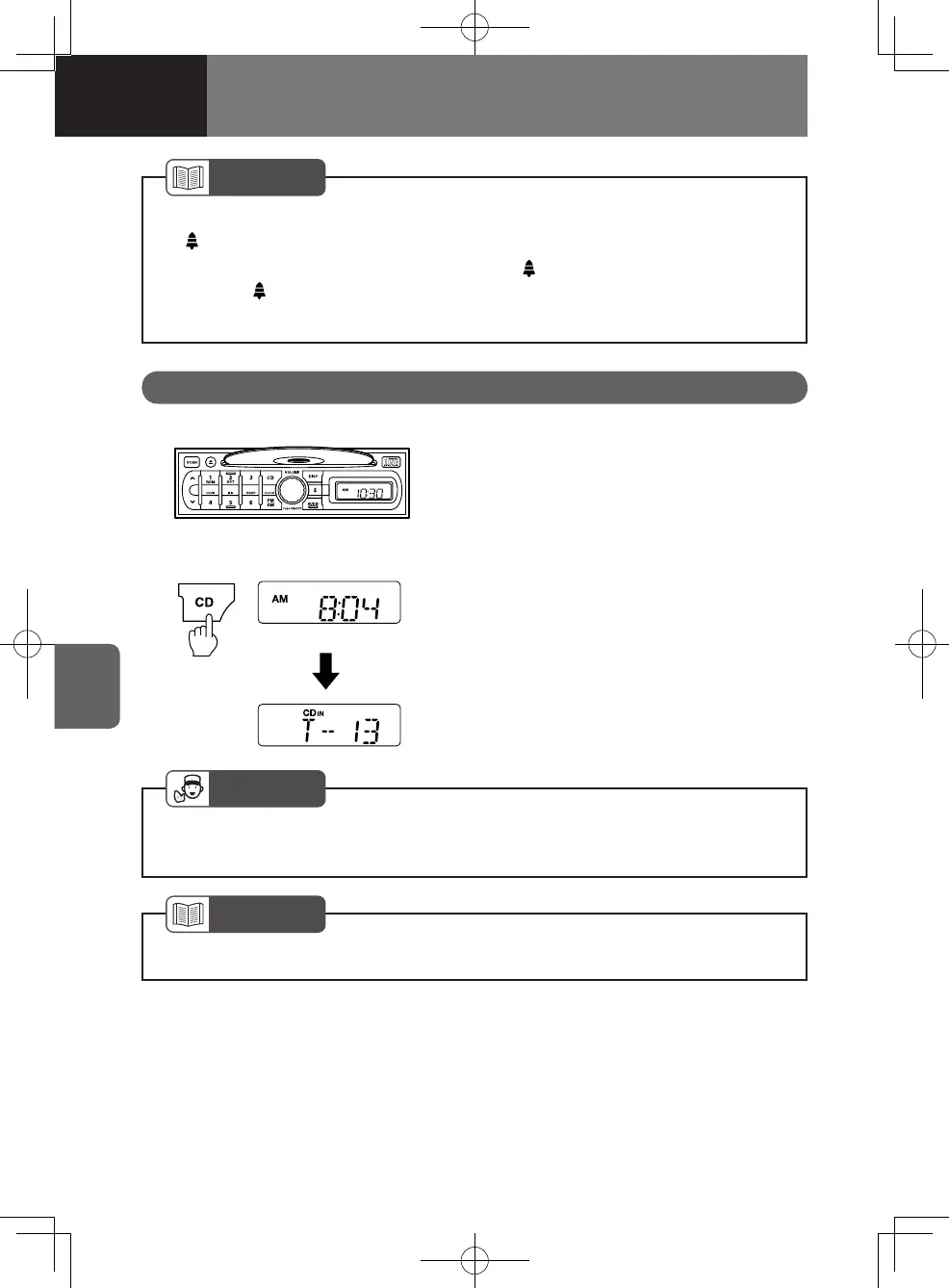
Insert a CD into the CD slot with the label
side (printed side) facing up. The power
will switch on and playback will start
automatically.
Switching to CD playback while
listening to the radio
Press the "CD" button when a CD is inside
the player, and playback will resume from
the point at which playback was previously
stopped.
Using the CD Player
NOTE
After setting the alarm, you can check the set time by pressing the alarm button
"
" for less than 2 seconds.
To cancel the alarm, press the alarm button "
" for 2 seconds or more. Make
sure the "
" icon is no longer shown in the display.
If the vehicle is not to be used for an extended period, cancel the alarm.
•
•
•
NOTE
Gently push the CD into the player and it will automatically load. •
ADVICE
Check that there is no CD in the player before inserting a CD. Forcibly inserting
a CD could damage the CD or cause the player to malfunction.
•
4608498sec05COMFORTANDCONVEN5-465-464608498sec05COMFORTANDCONVEN5-465-46 2015/11/0214:11:282015/11/0214:11:28



 To Next Page