-7-
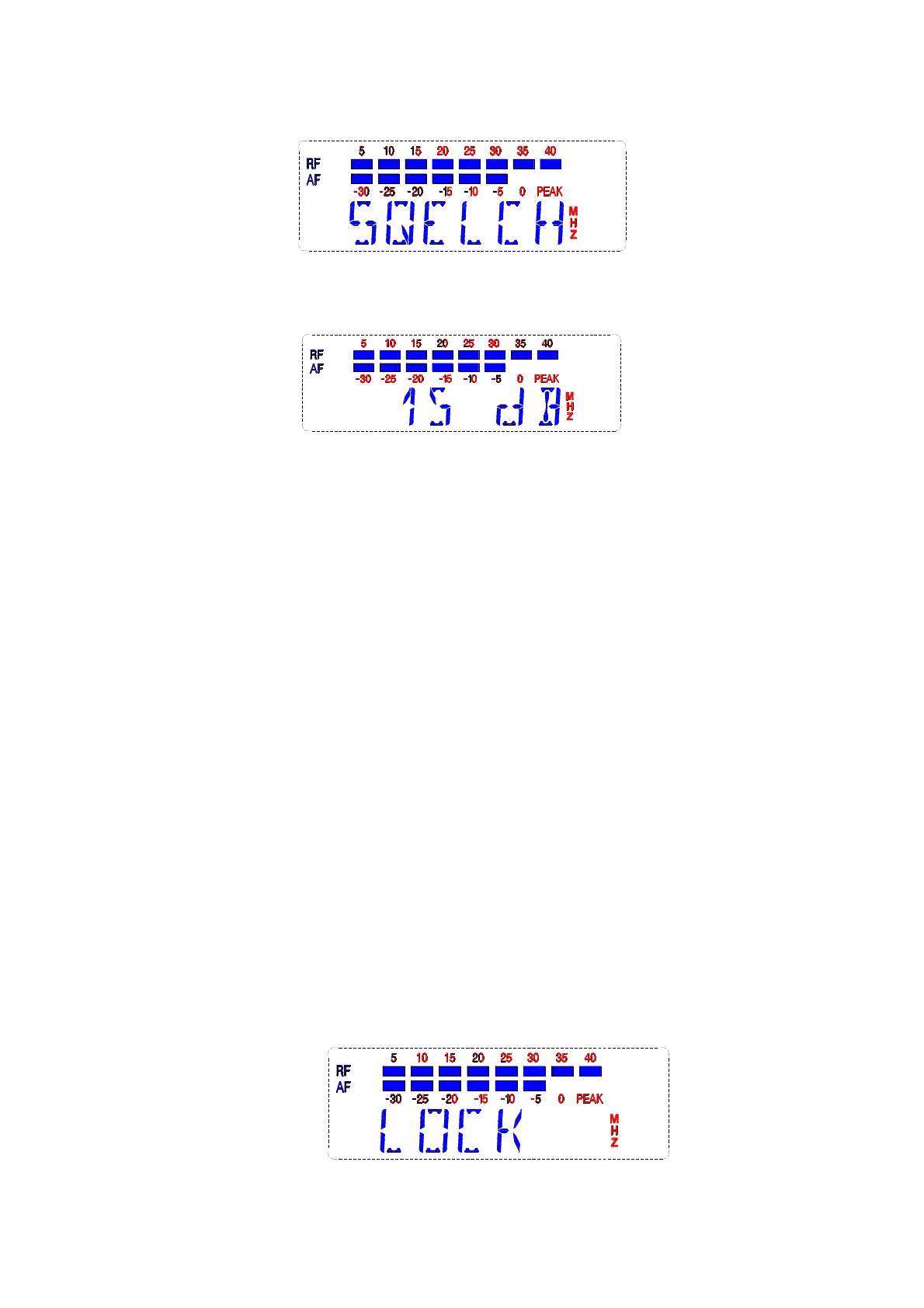
After 2-3 seconds it will display:
This menu is used to adjust the receiver noise, in order to
enhance anti-jamming capability of the system. Adjust the range is
from 0 to 40 db, the greater the value, the lower the sensitivity, the
closer distance, the stronger anti-interference ability. Whereas the
smaller the value (minimum in 10 db), the higher the sensitivity of
the farther the distance, but the anti-interference ability will decline.
When normal use, please set in 15 db (the default factory setting
is 15 db)
Push “▲”or "▼" button to adjust the data, press the “SET”to
confirm the adjustment, otherwise the sensitivity will stay as
previous.
Without press “SET” after data adjustment for 2-3 seconds,
the LCD will remind by flashing, press the "SET" key then the
LCD stop flashing.
E The system lock operation
Press “SET” to display the below:


 To Next Page
 Loading...