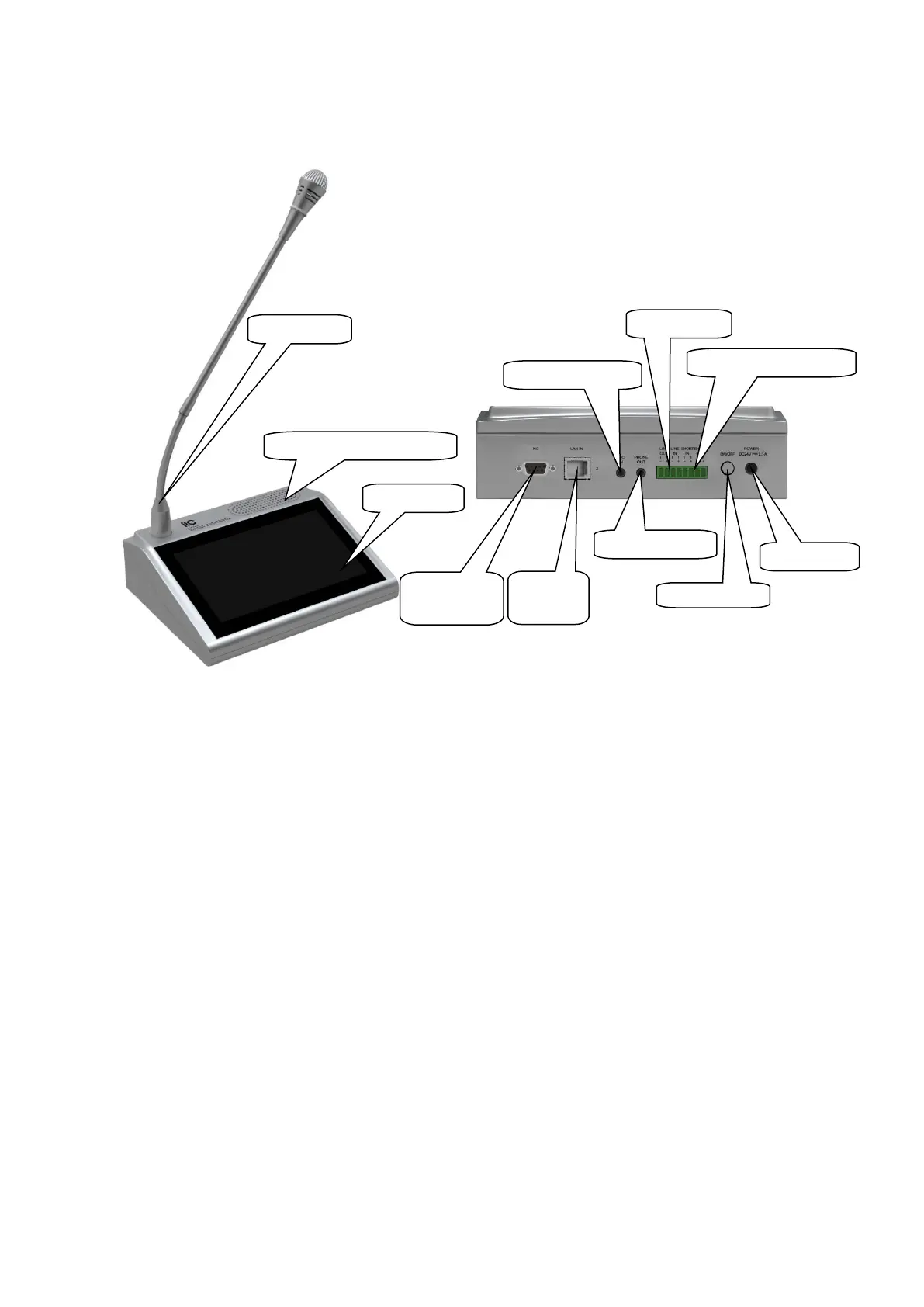
3. Components and Functions
● Paging console: Microphone input.
● Built-in monitor speaker: to monitor the voice in the intercom environment.
● Display screen: LCD display screen, to display the working state and function operation.
● Standby interface: no special function.
● LAN network interface: RJ45 communication interface for networking of PC controller /
Ethernet / switcher.
● 3.5mm external microphone connection interface: this 3.5mm microphone will be priority
after inserted.
● Headphone input interface: after inserting the headphone, the monitor speaker will not
display the intercom voice when paging.
● Short circuit input/output interface: short circuit input is used for receiving short circuit
signal and can be connected with door clock state inspection or entering prompt tone state
inspection.
● Line input/output interface: line input is used for connecting audio devices, like CD. Line
output is used for cascading another device.
● Power switch: press down for power on, and press up for power off.
● Power input interface: input DC 24V power.
Short-Circuit IN/OUT
Line IN/OUT



 To Next Page