15
© 2016 Align Technology, Inc. All Rights Reserved.
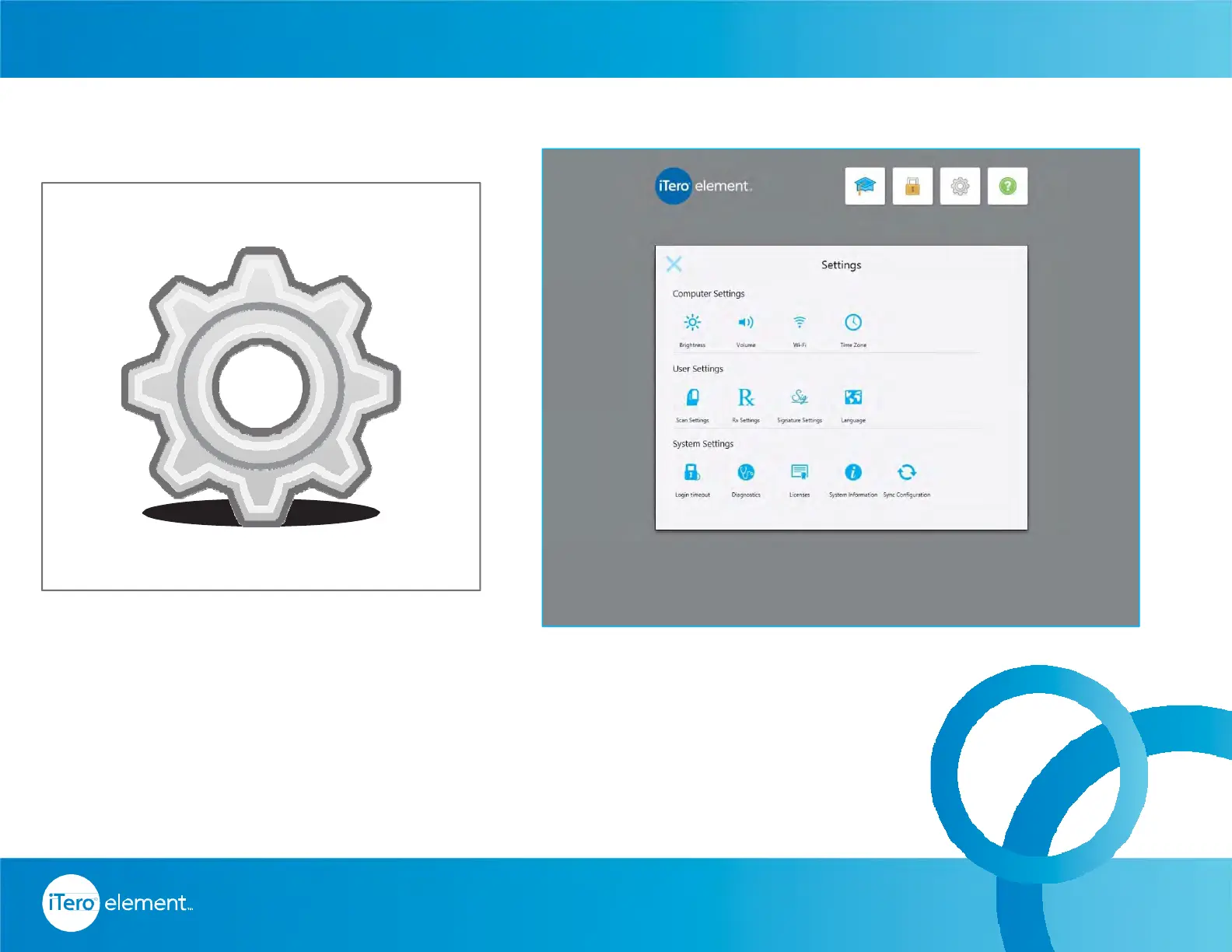
Tapping on the Settings icon brings the screen which allows the
change of computer settings, scanner settings, time zone, language,
add the Doctor's signature, license number, and sync the system for
any new updates.
Small Icons – Settings
Home Page



 To Next Page