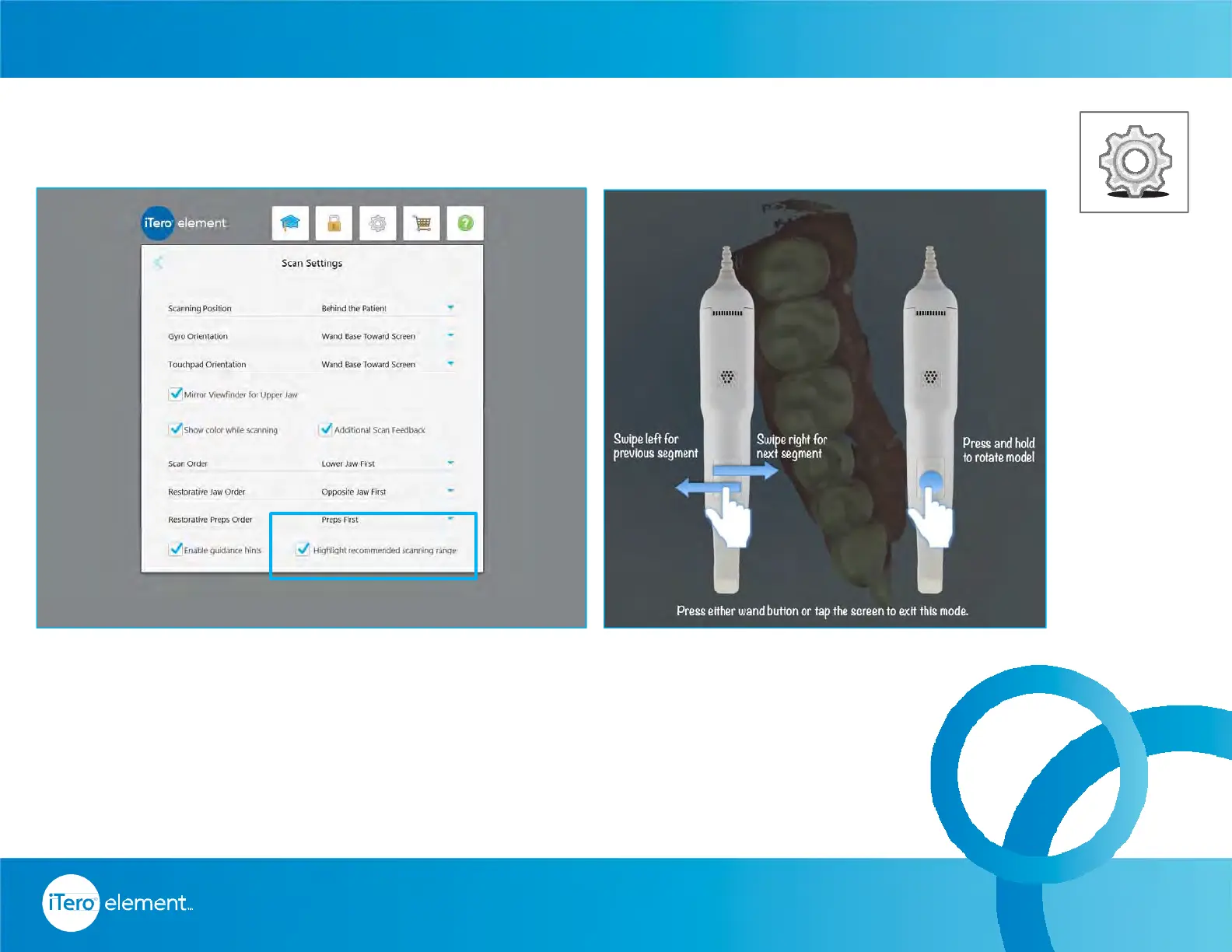
Within the Scanner Settings, select the preference for the Gyro and Touchpad
orientation.
For example, in the above picture, the selections are for the wand tip toward the
screen for the gyro and the base toward the screen for the touchpad.
16
© 2016 Align Technology, Inc. All Rights Reserved.
Settings – Scanner Settings
Home Page



 To Next Page