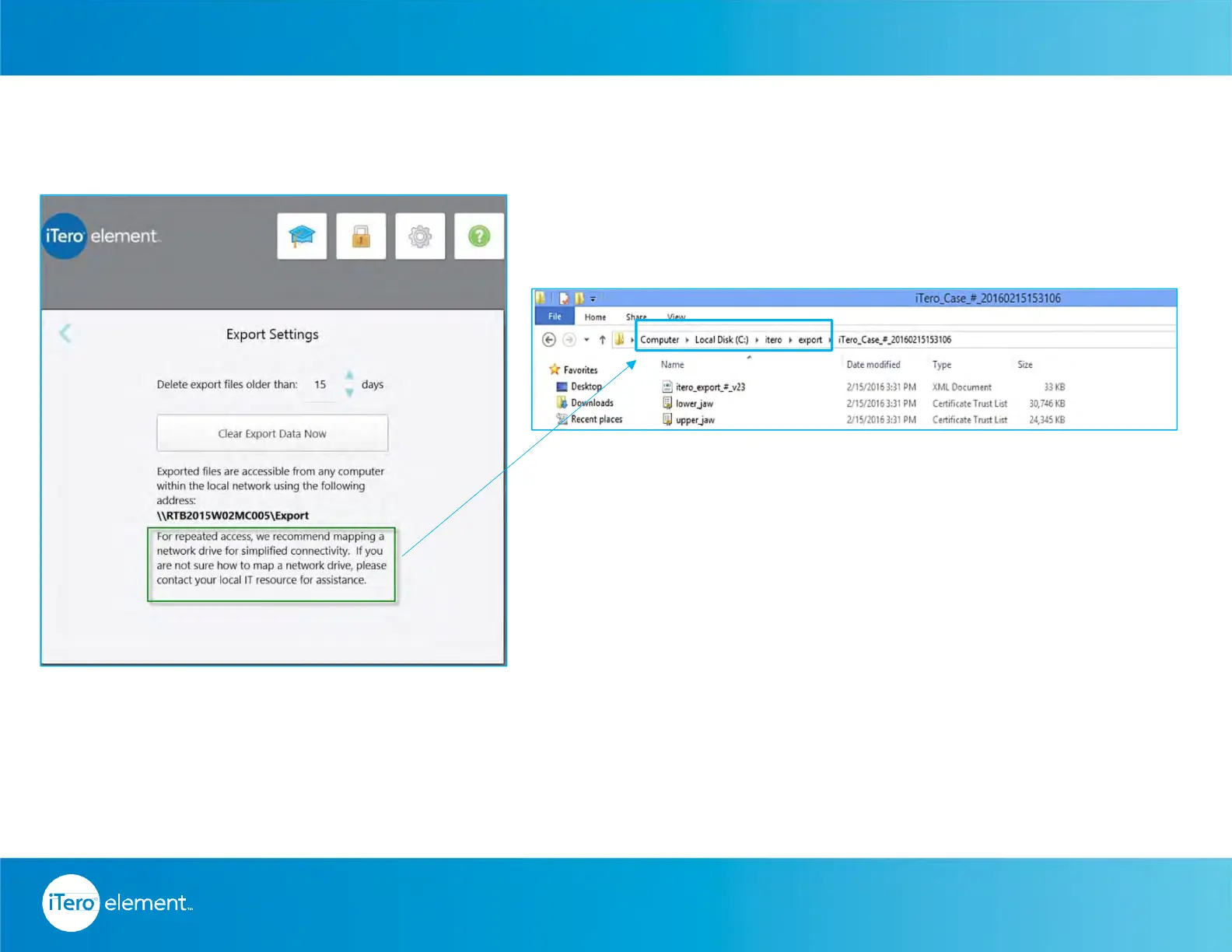
Chairside Milling – Default Folder Path
Files will be saved in a shared folder on the scanner, which are accessible from any computer or design
workstation. Configure the mapping for the default folder path on your network server.
In case you need assistance, please contact iTero® Customer Advocacy at 1 800 577 8767.
© 2016 Align Technology, Inc. All Rights Reserved.
Resources
62



 To Next Page