3.10 Support WiFi、4G、3G、2G network to view the video
3.11Support IOS, Android,PC platform
3.12Camera support smooth video, Standarddefinition and High definition
3.13Support picture sharing,it could share picture to Facebook, Twitter, email and so on
3.14 One camera support 15 account, and one account support several users to use in the same time
3.15 Camera support remote OTA upgrade.
4 Function introduction
4.1real time live video
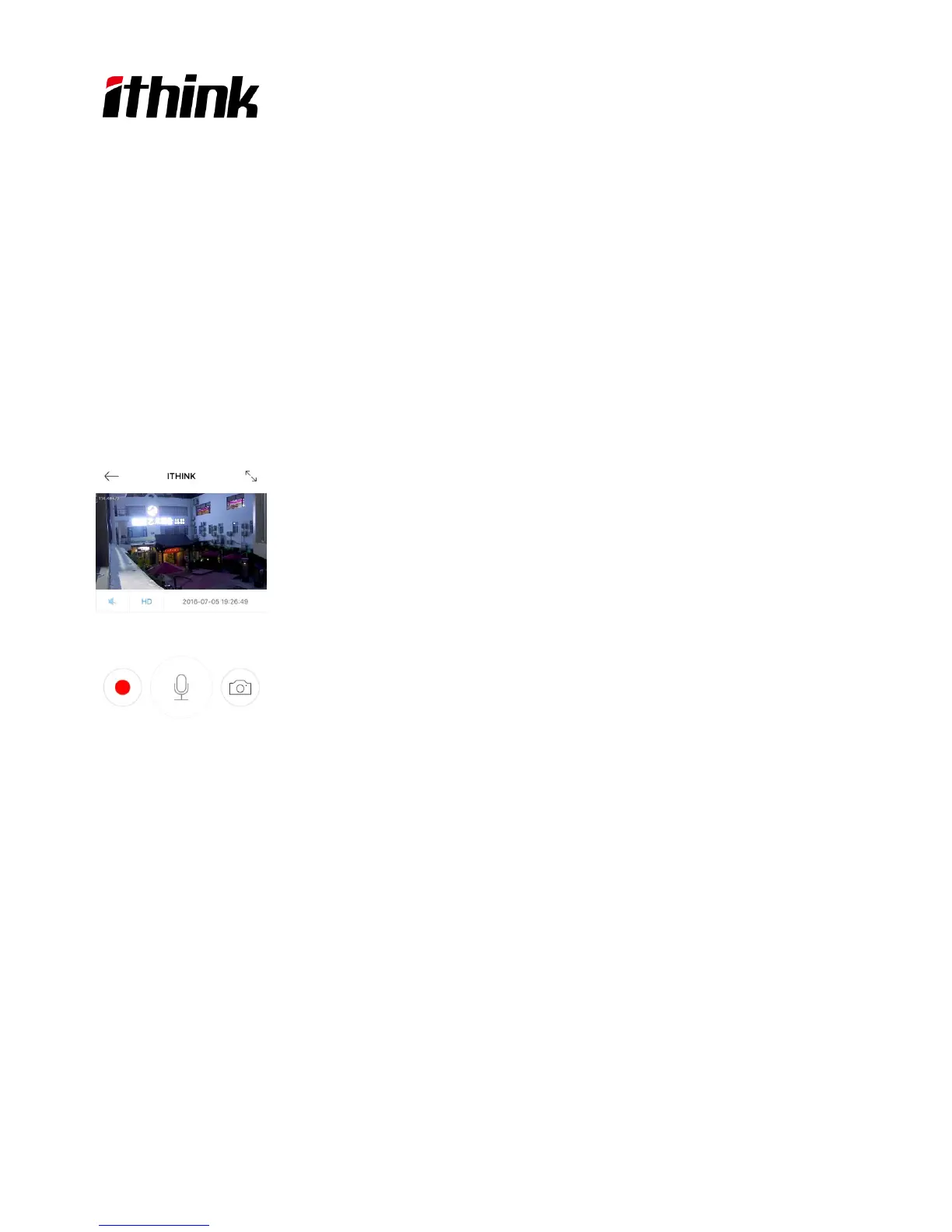
When the camera was bound, app will return to the camera list page, click the camera icon to enjoy live video. The
user can screenshot and adjust the definition (Smooth,Standard,High definition).
4.2Video Playback
Click “Playback” icon and chose the time to replay the video.You can Fast Forward/Fast Backward/ScreenShot
buttons when replaying the video to your desire time slot. Please refer the photos as below.
6



 To Next Page