8
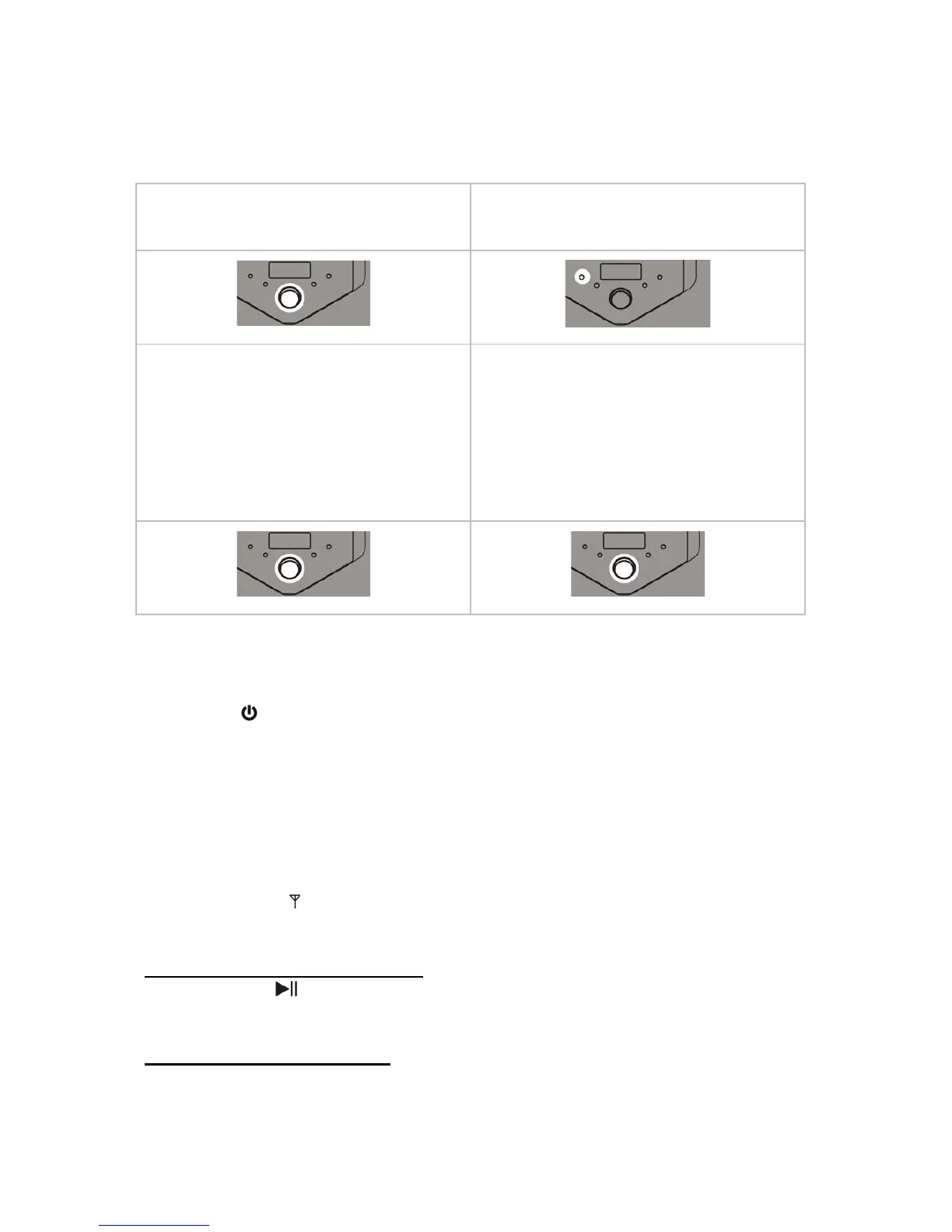
The ring of the VOLUME/BASS/STANDBY switch goes blue.
BASIC OPERATION
1. Press down the
VOLUME/BASS/STANDBY switch
briefly to turn the unit ON.
2. Press the FUNCTION button
repeatedly to select a desired
mode.
3. Rotate the
VOLUME/BASS/STANDBY switch to
adjust the volume.
4. Press down the
VOLUME/BASS/STANDBY switch
briefly then goes to subwoofer
adjustment mode. Rotate the
VOLUME/BASS/STANDBY switch to
set the subwoofer volume.
Now the unit is ready to use.
To set the unit into STANDBY
- Press and hold the VOLUME/BASS/STANDBY switch.
- Press the
/STANDBY on the remote control.
To disconnect the power completely
Disconnect the power cord from the working electric outlet especially when the
unit is not in user for an extended period.
LISTENING TO A RADIO STATION
1. Select the FM ( ) mode by pressing the FUNCTION button repeatedly.
2. Search a station.
To auto search and store stations
Press and hold
button on the remote control, the unit will search and save
stations automatically.
To auto search a valid station
Press and hold /TUN- or /TUN+ button for more than 2 seconds, then
release the button if the frequency on the display starts to change.
Alternative: Use or button on the remote control by holding button then



 To Next Page