38
GoBook Users Manual
77-0100-001 12 September 2000
2 Microphone Jack
Connect a microphone to this jack to record audio.
3 Audio-Out Jack
Connect external speakers or a stereo headset to this jack to listen to multimedia.
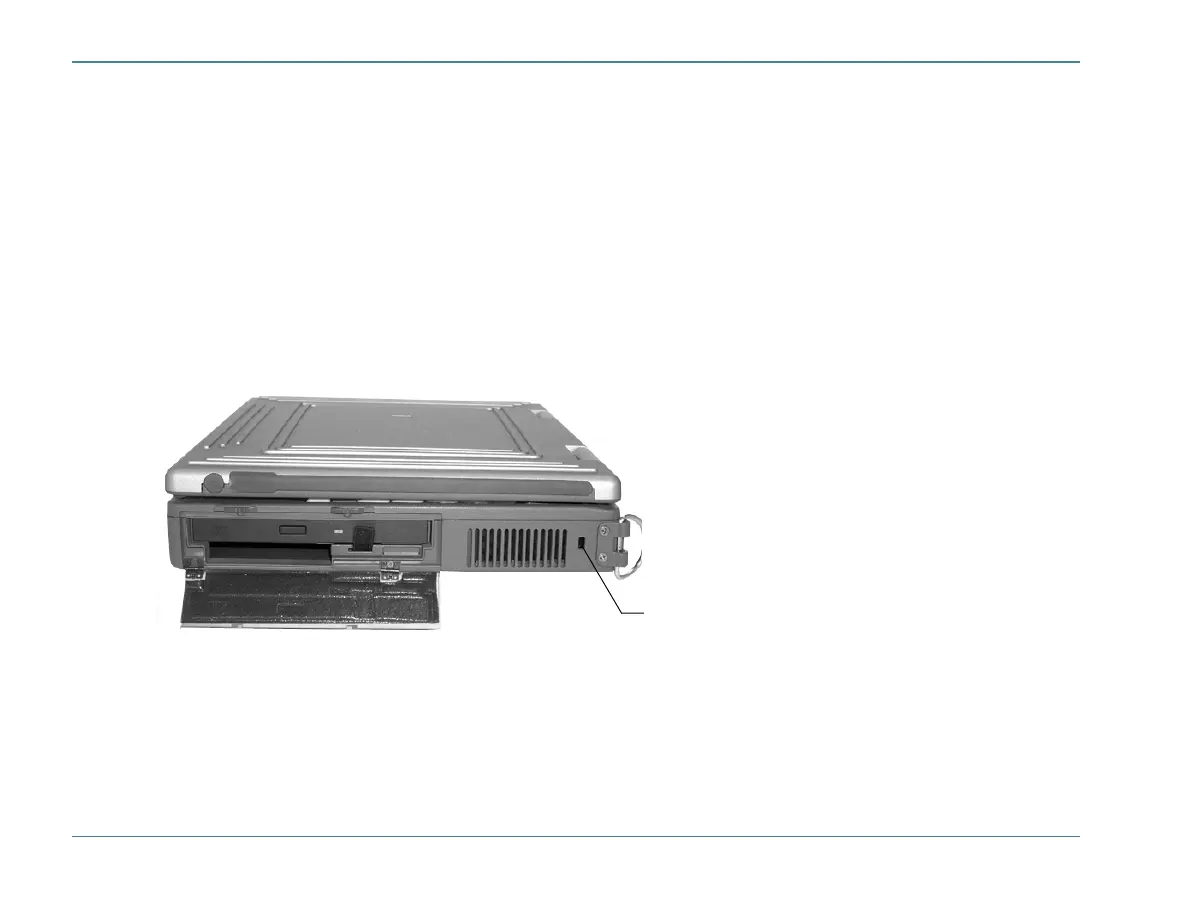
Right Side Connectors
1 Security Slot
Your computer has a Security Slot that can be used with a standard laptop locking device, such as a Kennsington
Lock. You can connect the GoBook to a large object with the lock to prevent theft of your GoBook. See the docu-
mentation that comes with your lock for more information.
1



 To Next Page