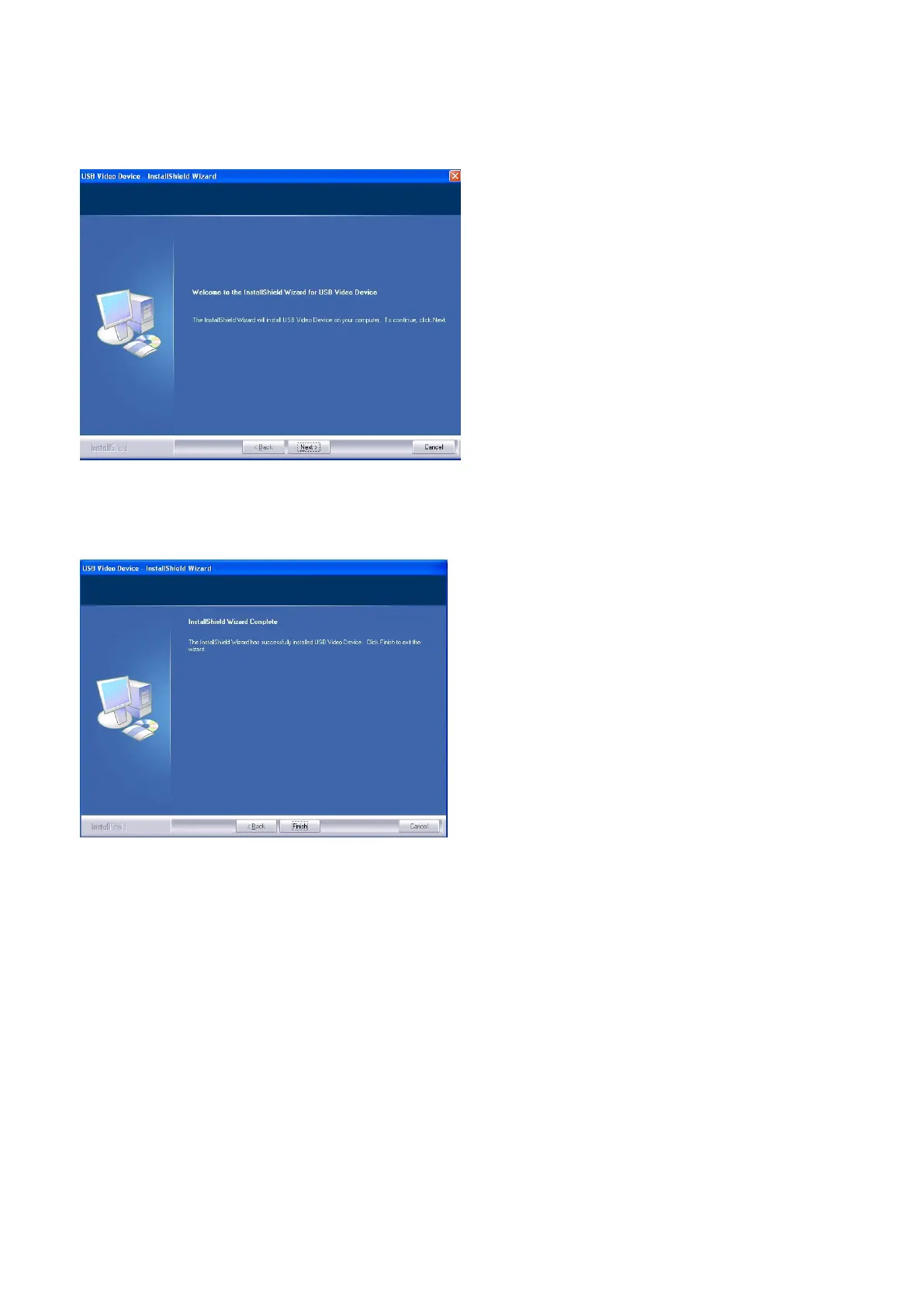
2. Cliquez sur "Suivant>".
* L'installation commence.
3. Cliquez sur "Terminer".
UTILISATION DU LOGICIEL
Lancez le logiciel; vous devez voir votre image.
Le format vidéo par défaut est 640 x 480.
Vous avez la possibilité de sélectionner le format vidéo et les autres paramètres d'image qui vous
conviennent.
Downloaded from www.vandenborre.be


 To Next Page