1 Packing List
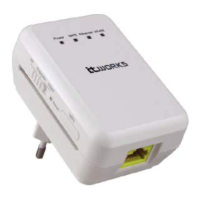
1 x 300 Mbps wireless repeater
1 x network cable
1 x Instruction manual (CD)
2 Mode Introduction and Connection
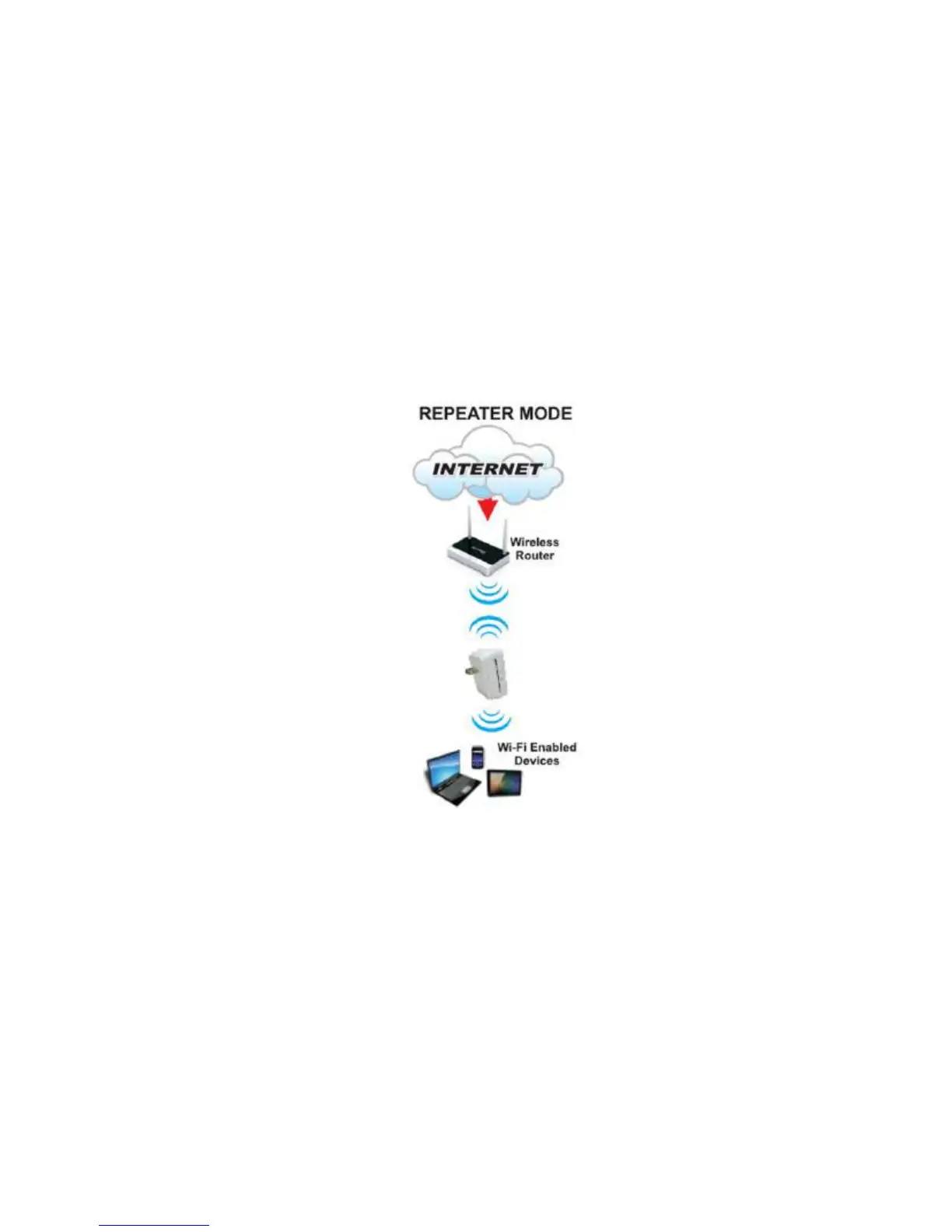
Repeater Mode
It is recommended to use Repeater Mode. In Repeater mode the repeater expands
wireless coverage of other existing repeateror wireless router. Computers can connect to
the device in either a wired or wireless way.
To set up Repeater mode:
a. Plug the repeater into the mains socket. Connect the repeat to a computer using the
supplied network cable.
b. Switch the
Client/Repeater/AP button to Repeater.
c. Click on the Internet access icon at the bottom right of your screen and then click to
launch the
Local Area Connection Status window.


 To Next Page