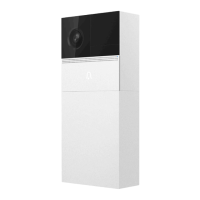
Step 8 Pull the power cable from the
center hole of the bracket and slowly
insert the doorbell into the door as
shown in the above figure (be careful
not to catch your finger).
Step 7 Install the bottom door of the doorbell
main unit and fix it with screws.
Step 5 Screw 4 expansion screws into the
newly marked position.
Step 6 Fix the mounting bracket to
the wall.
14

 To Next Page
 Loading...