2. Install APP
Go to App store or Google Play Store, download APP: “Zeroner Health Pro”
and install it. To use Zeroner APP, make sure your mobile device connected
with internet via 3G,4G or wi.
Android iOS
If there are problems with the app “Zeroner Health Pro”, we recommend the
following alternative app: LinkSmart
3. Account set-up
Open the “Zeroner Health Pro” App. Log in if you have an account, or register
a new account.
4. Bracelet Operating Instructions
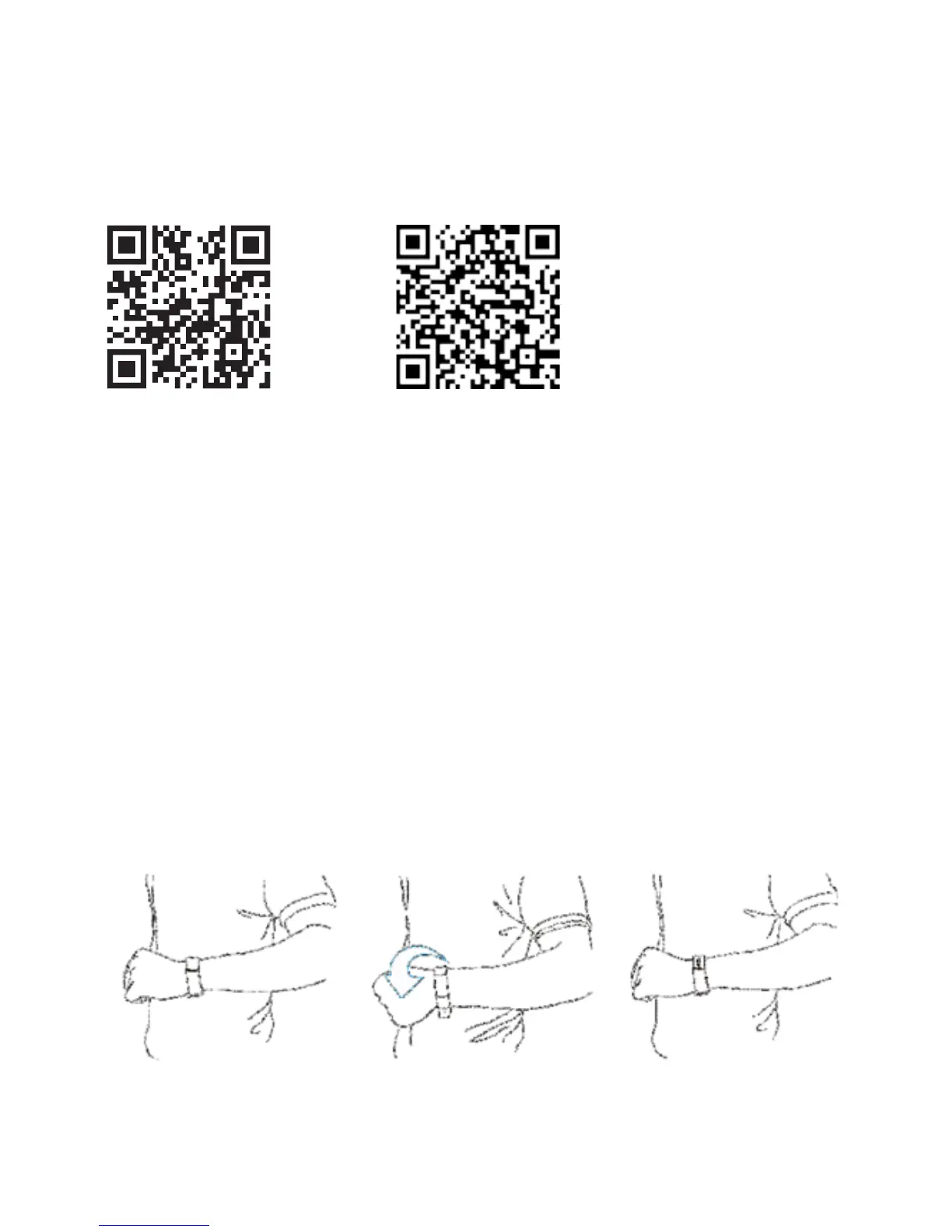
You can use the bracelet by “gesture control” or “touching” the screen.
Gesture control:
It is convenient to check the time by “wrist gesture”.
Keep the bracelet
screen horizontal
en turn the
wrist over
e bracelet will be
turned on automatically,
then time shows up


 To Next Page