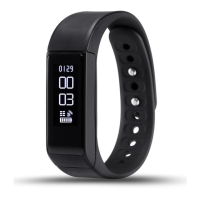
Function Operation
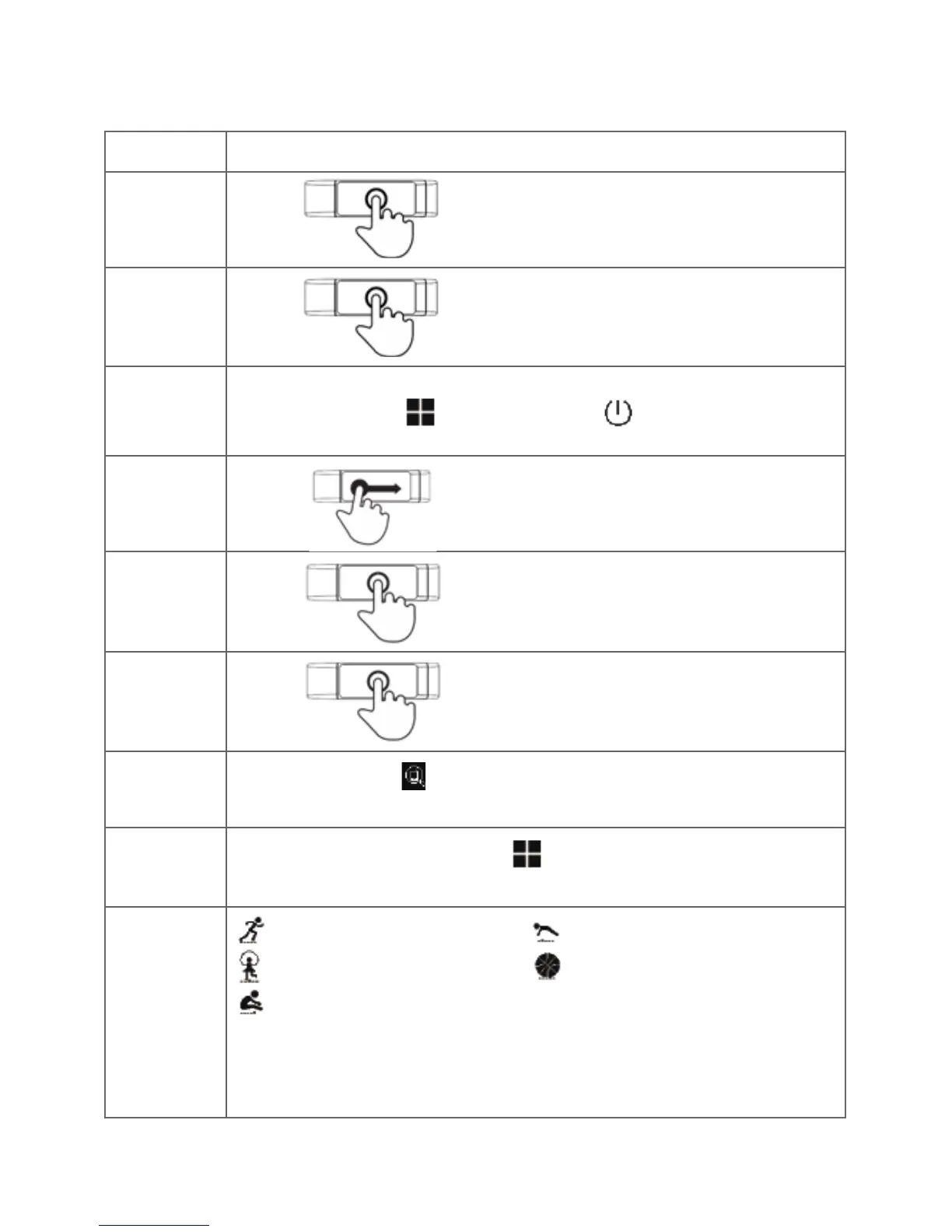
Press the bracelet screen long
Touch the screen or turn the
wrist over
Switch left and right
Slip left and right
to the icon
Touch the screen
Press the screen long
Press long on icon (function only available when phone and
tnesstracker are connected)
Swipe left and right to the icon , long press on the screen and
hold it until it vibrates.
Swipe to the modes, long press on the screen and hold it until
it vibrates. When the icon is ashing it means that sport mode
is activated.
Running/walking
Rope skipping
Sit-up
Push-up
Basketball
Display
lighting
Power on
Switch o
Switch
function
Page
turning
Conrm
Phone
nder
Enter
sport mode
Sport mode
conrm
then switch to
then press long the
screen to turn o the
device.
Touching:


 To Next Page
 Loading...