Enter
sleep mode
Horizontal
and vertical
orientation
5. Pairing
Keep your phone with BLuetooth and Wi “On” for this step.
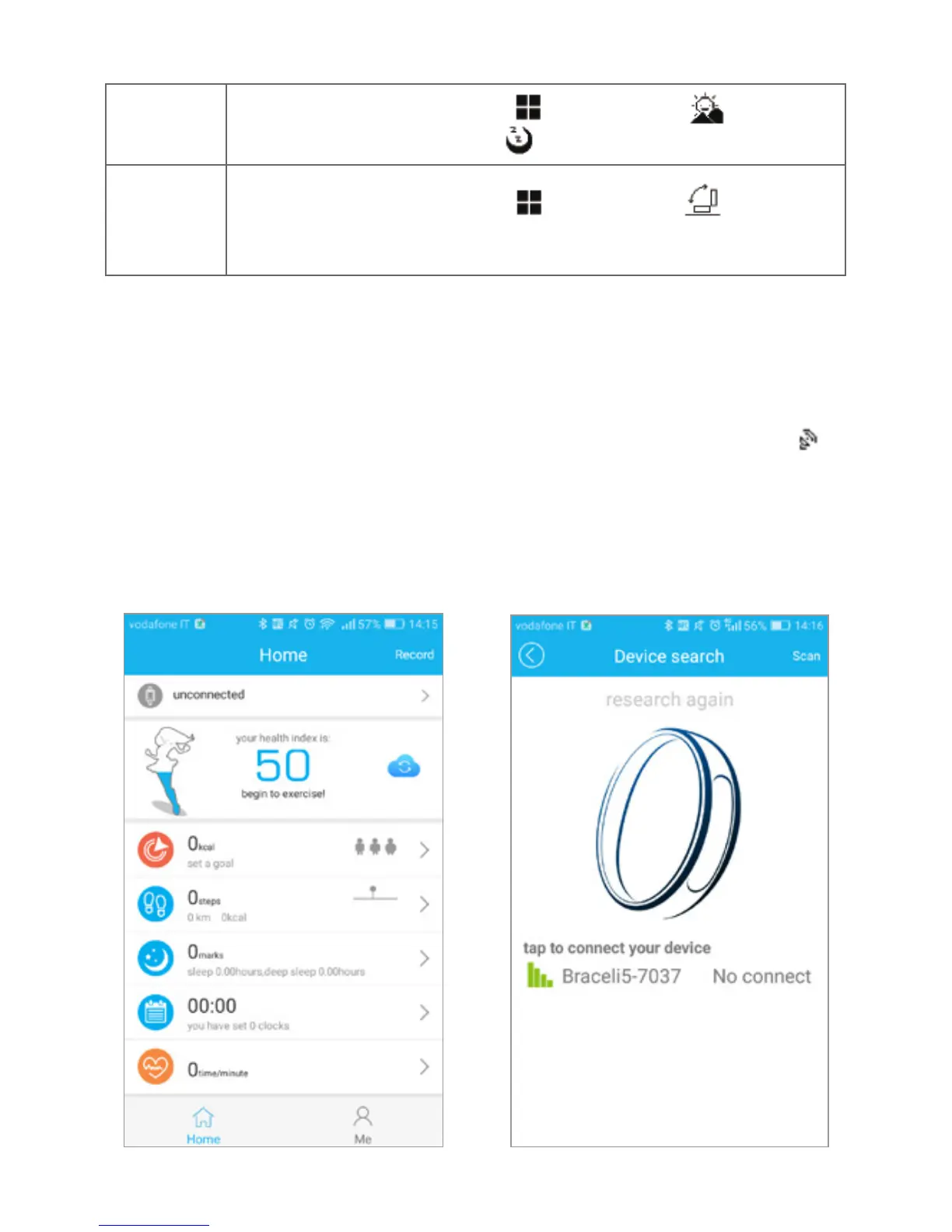
1. Please log in to the App Zeroner
Health Pro, tap on “unconnected”.
2. Double press the bracelet
touchscreen, the radar icon “ ”
shows up on the bracelet. Tap
on the app on “searching for
your device”, select your right ID
from the device list and wait for
1-2 seconds.
Manuale d’uso
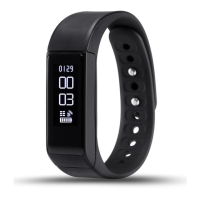
Bracialetto Smart I5 PLUS
【
Compatibilità
】
Il braccialetto I5Plus e compatibile con I seguenti smartphone:
IOS: IOS7.0 o più recenti, Bluetooth 4.0
Android: Android 4.3 o più recenti, Bluetooth 4.0;
【
Icone - descrizione
】
Ora: 00:00 Pedometro : Distanza:
Calorie: Allarme: Monitoraggio sonno:
Alarme movimento: Telefonata: Messaggi Push:
Bluetooth: Scatto Foto: Bluetooth broadcast:
【
Istruzioni
】
1. Caricare:
Caricare il braccialetto per 30 minuti prima del utilizzo. Estrarre il dispositivo come spiegato nell’immagine sottostante, inserire il
dispositivo in una porta USB 5V / 1A per la ricarica. La luce rossa smette di lampeggiare quando è carico.
Swipe left and right to the icon , then swipe to press on the
screen and hold until enter to icon.
Swipe left and right to the icon , then swipe to press on the
screen and hold it until it vibrates.


 To Next Page
 Loading...