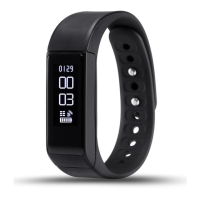
3. Your smartphone is now con-
nected to the device.
4. IOS device will pop up “Pair
device success”, “Bluetooth pair-
ing request”, klick “Pair” and
nish pairing.
If there is no connection aer 1 minute, repeat the steps above.
6. SYNC data
e bracelet SYNC data automatically aer connected with phone by
APP(Zeroner), the bracelet time will be calibrated same as the time of phone.
SYNC data includes:steps,calorie,distance. You can check if the data SYNC
is completed successfully on the APP. It will take 1-2 minutes to SYNC
data for rst time. SYNC data can be done manually by clicking the refresh
button on APP too.
7. Sleep monitor
e sleep monitor can be activated manually or automatically on the app,
Saves the dierent sleeping phases.


 To Next Page
 Loading...