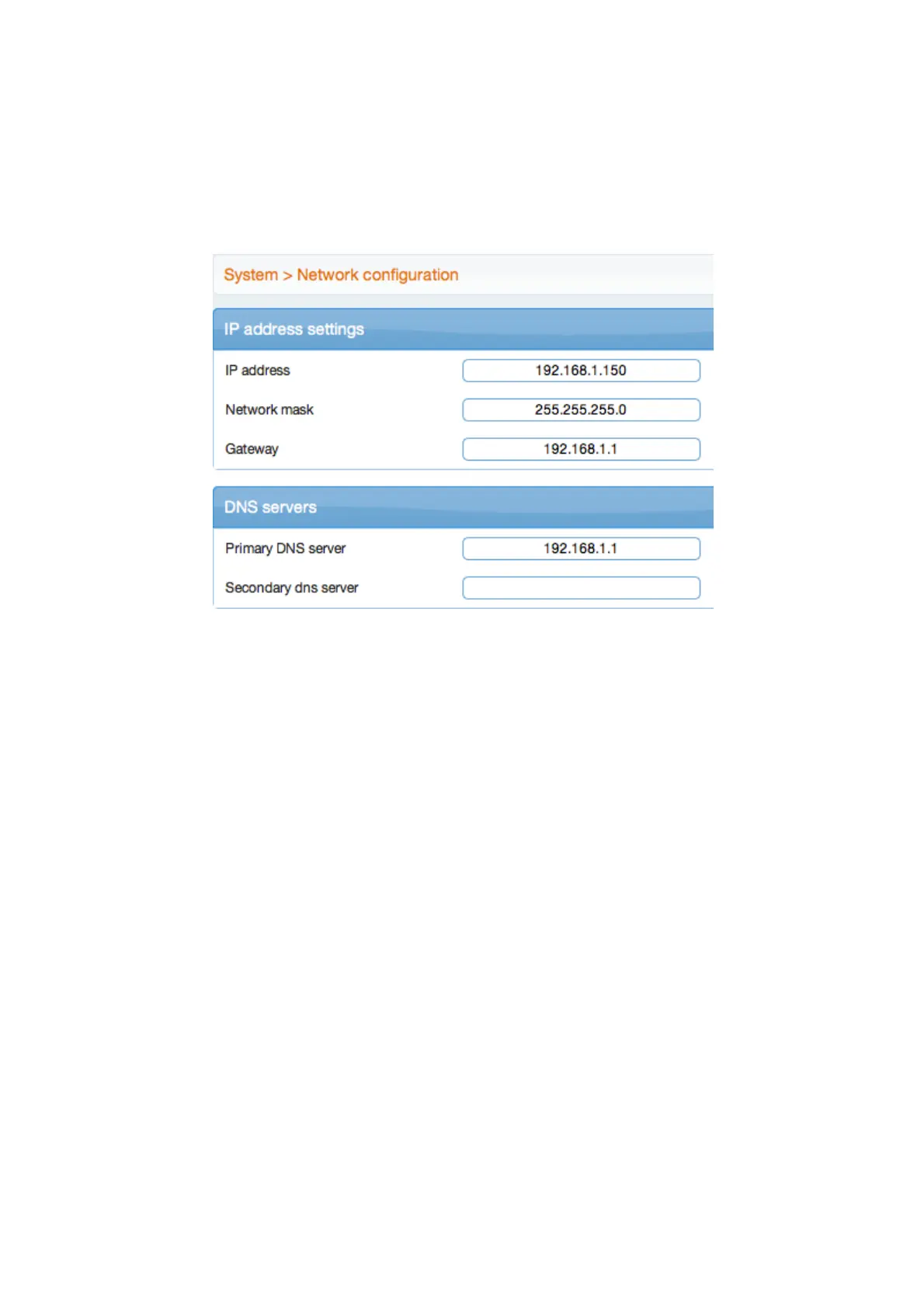
Go to System menu >> Network configuration and specify the new network features in the
appropriate fields.
Validate by clicking [OK].
If you change the default IP address, you will loose the connection with the web interface.
So you just need restart your Web browser using the new IP address.
To recover the default settings, click [Factory settings] and confirm with [OK].
Your system is ready to be used.
We recommend to contact your dealer / installer for training in the use of the system.
4. IBOX V3 API
An API is available to be used with your own softwares. You will find all the informations you need
by clicking on the link, which stands near the Copyright.
An API specific operator is then created. Its username is api, and its password is api1234.
5. Shutting down the IBOX V3
Warning !
To shutdown your IBOX V3 , we recommend you to use the [Shutdown] button, which
can be found by following the path System >> System Prefs >> Tools tab. Shutting the
IBOX V3 down that way will prevent any data loss.



 To Next Page
 Loading...