3.5.3 Smart Phone, Tablet or PC configuration - Equipment
Required and Configuration
Equipment
• See 1.11 & 1.12 For details of equipment required and
wiring diagram.
Configuration
• Power up the WiFi Bridge
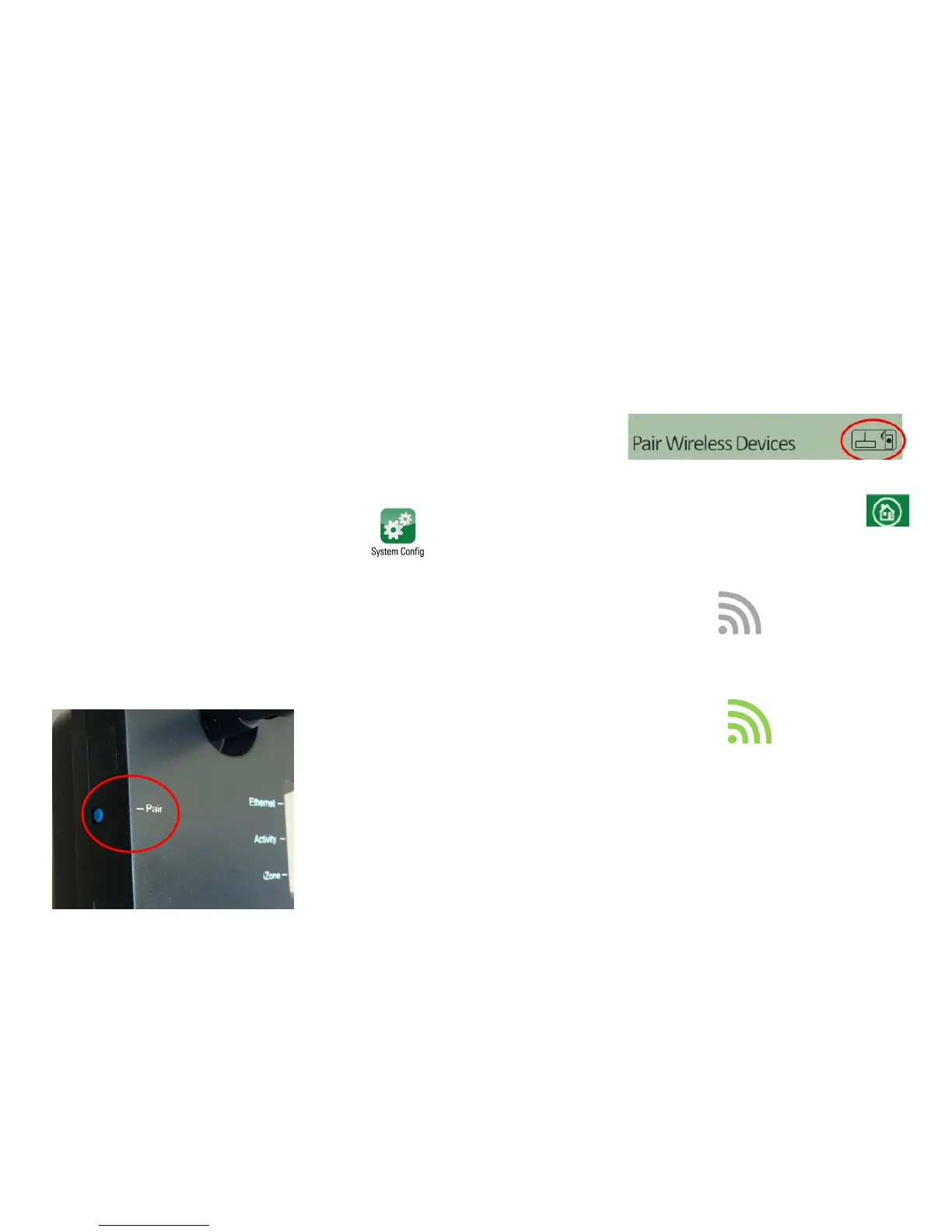
• Press the System Config button on the
touchscreen
• Enter the system password “wamfud”
Pair the wireless bridge to the iZone system
• Press and hold the blue button on the side of the Bridge. At the
same time press the “Pair Wireless Device” button on the
touchscreen
• Wait a few seconds. Press the home
button on the touch screen.
• 1*>6&##&.
• Connect the RJ 45 cable from the Bridge to the
modem / router. The symbol will change to
100% green.



 To Next Page