©2010 IZZO Golf, Inc.
TABLE OF CONTENTS
Package Contents & Computer System Requirements
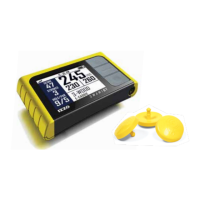
SWAMI 1500
Registering & Charging SWAMI
USB attached to the Computer
Set-Up Instructions
Complete Steps to set up your SWAMI
Button Layout & Screen Layout
Button Description
Up/Down, FCB, ENT
Screen Icon Description
Battery Level
Satellite Signal
Hole #
Course #
FCB – Front, Center, Back
Yardage to the green
Mini USB Port
Using SWAMI Map Manager
Connecting SWAMI to your Computer
Selecting Courses
On the Course Database
Listed on the Course Database but not mapped
Not listed on the Course Database
Loading Selected Courses to SWAMI
Playing Golf
Turning SWAMI On/Distance to First Green
Using SWAMI
Turning SWAMI Off
Appendices
Troubleshooting
Error Messages
Helpful Hints
3
4
5
6
7-9
10
11-12



 To Next Page