©2010 IZZO Golf, Inc.
CHARGING SWAMI
SWAMI contains a rechargeable Lithium Ion Battery. The battery should be fully charged prior to use. It
will take 2-4 hours to fully charge the battery. A fully charged battery will yield a minimum of 12 hours of
playing time under normal operating conditions.
4
TO REGISTER & SET UP
YOUR SWAMI, GO TO:
www.izzo.com/swami-setup
and complete all steps of
the set-up process.
(We recommend reading through the entire
instructions prior to beginning installation).
Remember to fully charge SWAMI before going
to the course for the first time.
When charging SWAMI:
First open the SWAMI Map Manager program on your
computer before plugging SWAMI in. Attach SWAMI
to the computer by using the USB Cable provided.
(WARNING: Never turn the unit on while connected
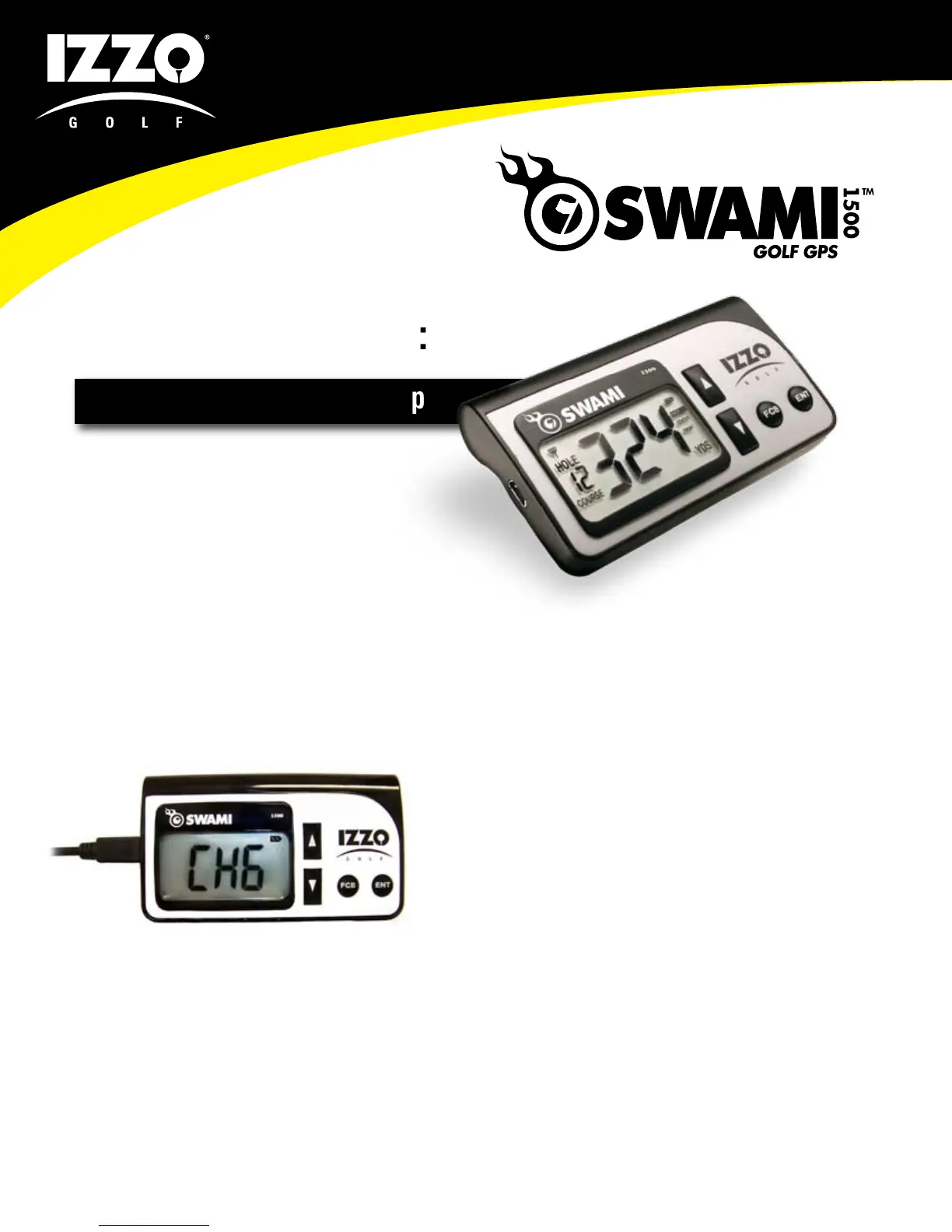
to the computer). The letters CHG will appear on the
screen. (As shown to the left). The battery icon in the
upper right-hand corner will blink. Once fully charged,
the battery icon will be solid and no longer blinking.
(IMPORTANT: Please make sure that the computer
you are using is not set to go into sleep, hibernate,
standby or automatic turn off mode). This will cause
the charging to stop.
NOTE: If when disconnecting the SWAMI from your
computer you still notice CHG on the unit display, this
means your unit is “frozen” and will not function. This
is caused when turning on the unit while connected.
To reset the unit, hold down both arrow buttons and
the FCB button at the same time.



 To Next Page