4/6
4
Operating Hints
1.
2.
3.
4.
5.
6.
①
②
③
Pull the Mini USB receiver out of presenter, and plug in USB
Port that available on computer and power on then it works.
Upon the first installation on Mac, Keyboard Set Assistant
may appear and prompt that the keyboard cannot be identi-
fied. Just click “Continue” to finish the installation, and then
the presenter will work accordingly.
The receiving distance of USB-A receiver will be decreased
by disturb of electronic devices around.
In PowerPoint full slideshow, when first use pen, there is only
red dot but no marks, please try again.
If mouse cursor drift occurs, please recalibrate: Keep the
product on the table horizontally, and then keep pressing
【 】and【 】 till 【 】and【 】 light on, which
mean calibration is successful.
The product has 3 mouse speeds:
Fast speed: Keep pressing 【 】and【 】till 【 】
and【 】light on;
Normal speed: Keep pressing【 】and【 】till 【 】
and【 】light on;
Slow speed: Keep pressing【 】and【 】till【 】
and【 】light on.
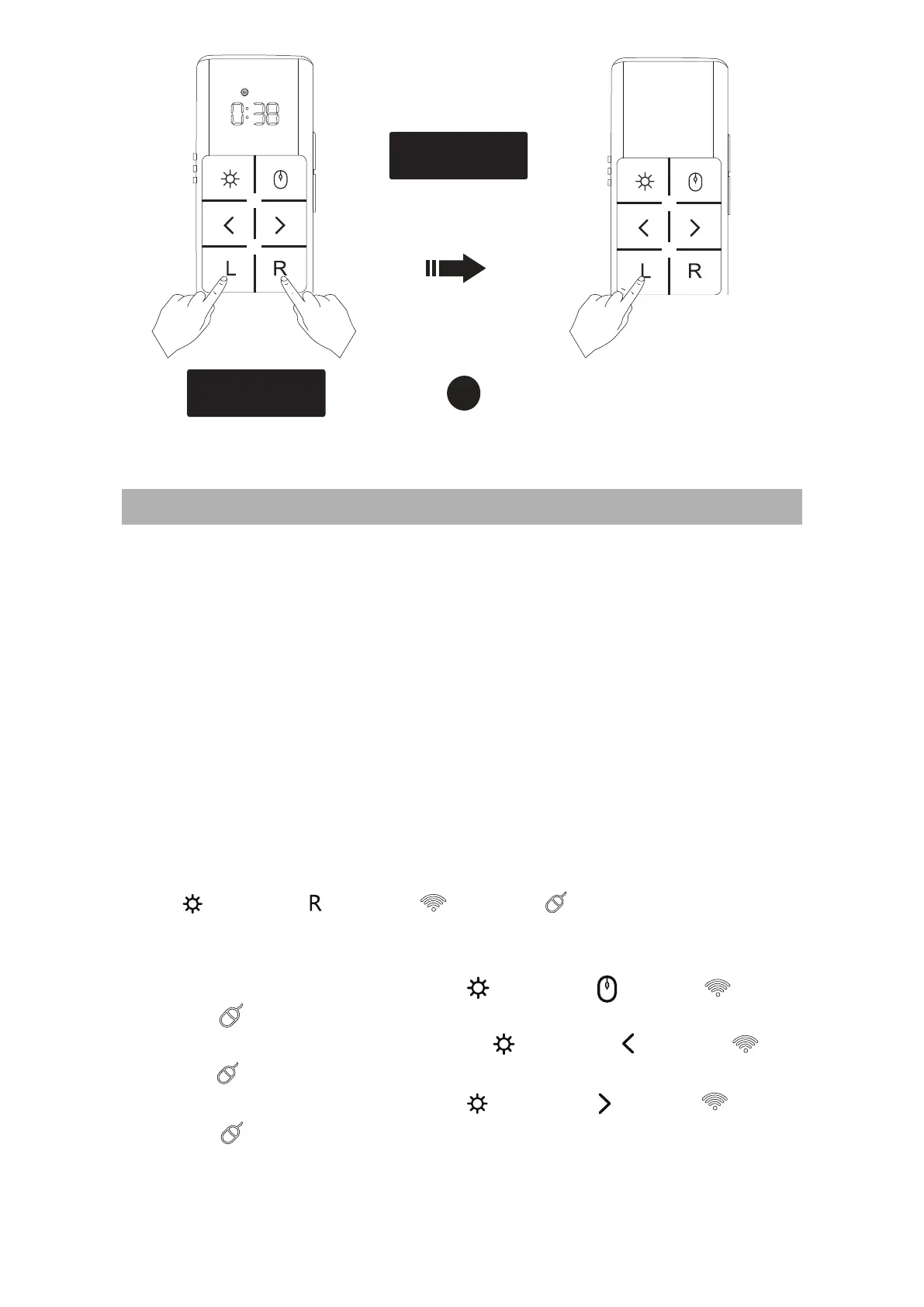
Press simultaneously
for 2s
Quit settings


 To Next Page
 Loading...