9
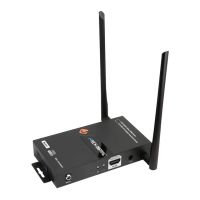
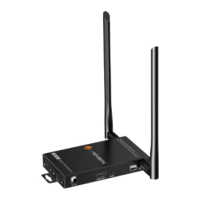
4.HDMI Out: Connect to the HDTV or monitor HDMI input port.
5.IR In: Channel 1 IR Receiver. Connect to an IR receiver cable.
6.IR Out: Channel 2 IR Transmitter. Connect to an IR emitter cable.
7.RS-232: Phoenix jack provide Serial port control signal from
transmitter to receiver.
8.Connection Signal Indicator Lamp
Illuminate: The Transmitter and Receiver are in good connections status.
Flashing: The Transmitter and Receiver are in poor connections status.
Dark: The Transmitter and Receiver are not connected.
Flashing: HDMI signal without HDCP.
Dark: No HDMI signal.


 To Next Page