Installation, Connection and Use:
Charge the battery
Tum on the mouse (on/off switch located on bottom of mouse)
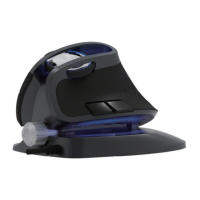
Attach palm rest (optional)
Plug the USB nano receiver into the USB port of your computer. Once
the computer recognizes the mouse, you're ready to use.
(Turn the mouse OFF when not in use.)
NOTE: Using the mouse on a lighter colored surface uses less power
than on a darker colored surface.
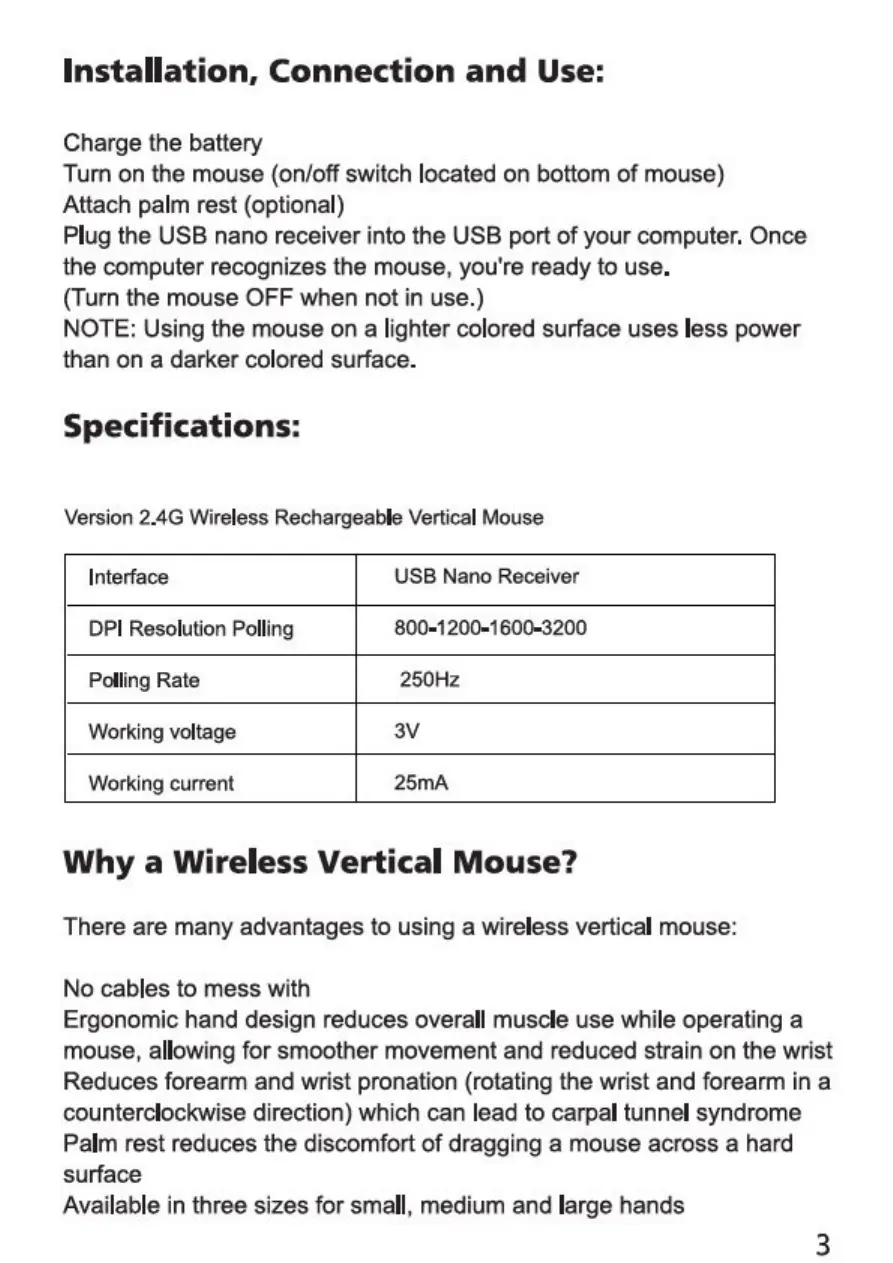
Specifications:
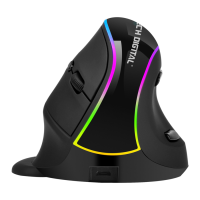
Version 2.4G Wireless Rechargeable Vertical Mouse
Interface
DPI Resolution Polling
Polling Rate
Working voltage
Working current
USB Nano Receiver
800-1200-1600-3200
250Hz
25mA
Why a Wireless Vertical Mouse?
There are many advantages to using a wireless vertical mouse:
No cables to mess with
Ergonomic hand design reduces overall muscle use while operating a
mouse, allowing for smoother movement and reduced strain on the wrist
Reduces forearm and wrist pronation (rotating the wrist and forearm in a
counterclockwise direction) which can lead to carpal tunnel syndrome
Palm rest reduces the discomfort of dragging a mouse across a hard
surface
Available in three sizes for small, medium and large hands
3


 To Next Page
 Loading...