Please Read
Your Working Environment Could Affect Performance:
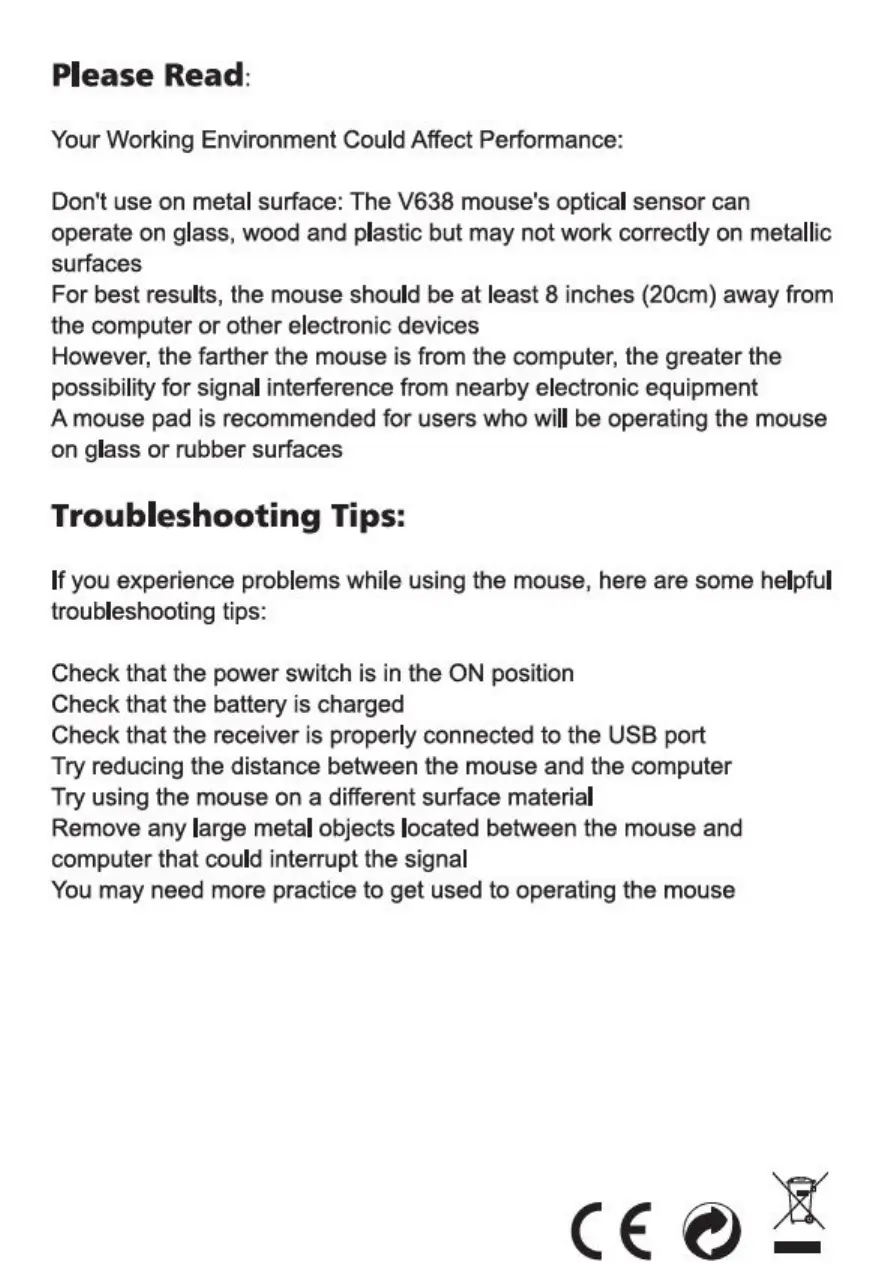
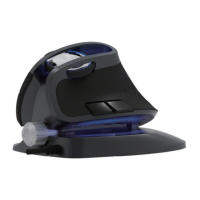
Don't use on metal surface: The V638 mouse's optical sensor can
operate on glass, wood and plastic but may not work correctly on metallic
surfaces
For best results, the mouse should be at least 8 inches (20cm) away from
the computer or other electronic devices
However, the farther the mouse is from the computer, the greater the
possibility for signal interference from nearby electronic equipment
A mouse pad is recommended for users who will be operating the mouse
on glass or rubber surfaces
Troubleshooting Tips:
If you experience problems while using the mouse, here are some helpful
troubleshooting tips:
Check that the power switch is in the ON position
Check that the battery is charged
Check that the receiver is properly connected to the USB port
Try reducing the distance between the mouse and the computer
Try using the mouse on a different surface material
Remove any large metal objects located between the mouse and
computer that could interrupt the signal
You may need more practice to get used to operating the mouse


 To Next Page