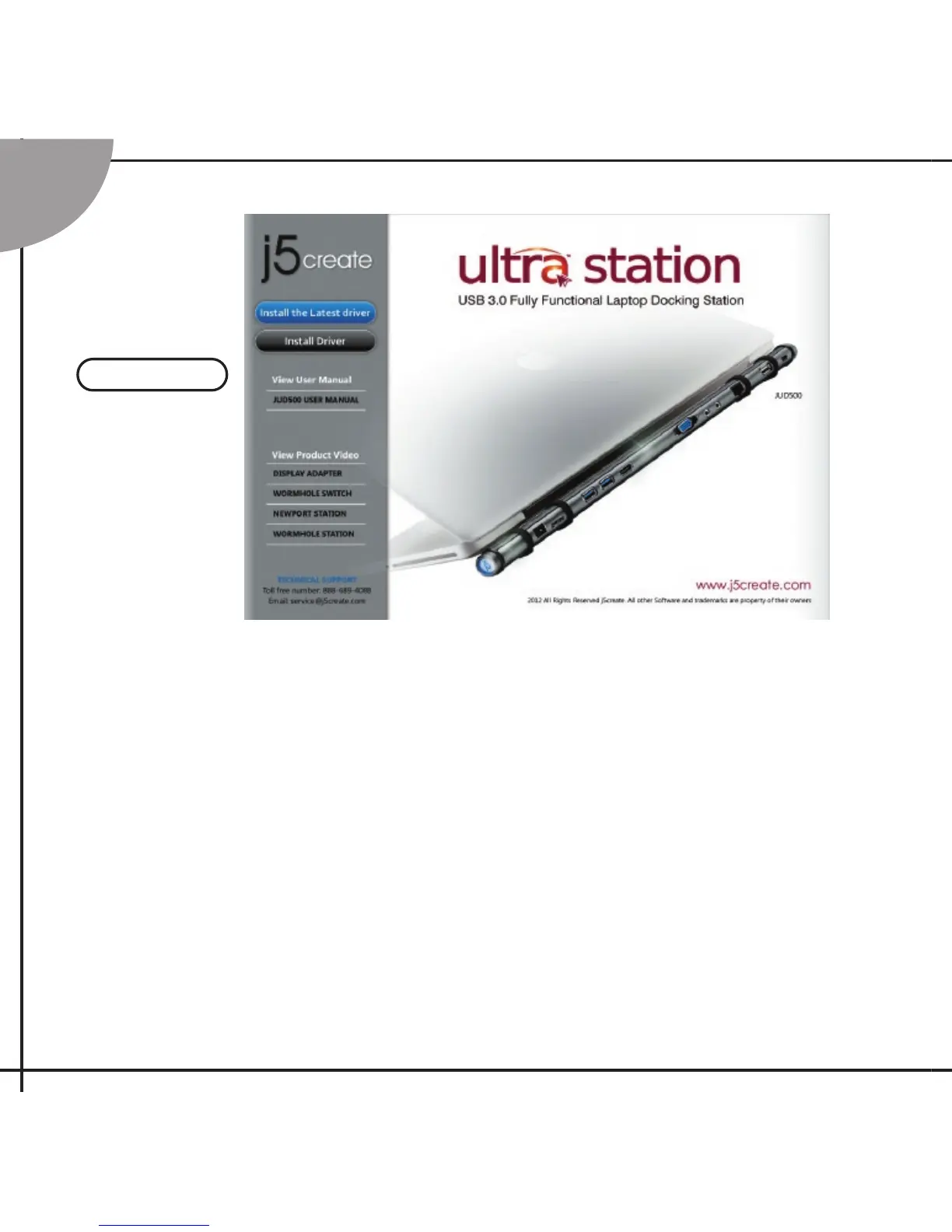
Step 1. Device Driver Installation
Installation –Windows
1. Insert the Driver CD into the drive; the setup program should launch automatically.
2. Click on “ Install the Latest Driver” or press “Install Driver” to start the installation (Please
make sure the network is available.)
* Update Driver is available at www.j5create.com in “support > download” area.
Paso 1. Instalación del Driver del Dispositivo
Instalación -Windows
1. Inserte el CD de controladores en la unidad de CD-ROM; El programa de instalación
debería abrirse automáticamente.
2. clic en “Instalar el último controlador”. o presione “Instalar controlador” para iniciar la
instalación ( Asegúrese de que la red esté disponible )
* Actualice controladores está disponible en www. j5create.com en el área “support >
download”.
Windows
Step
1



 To Next Page