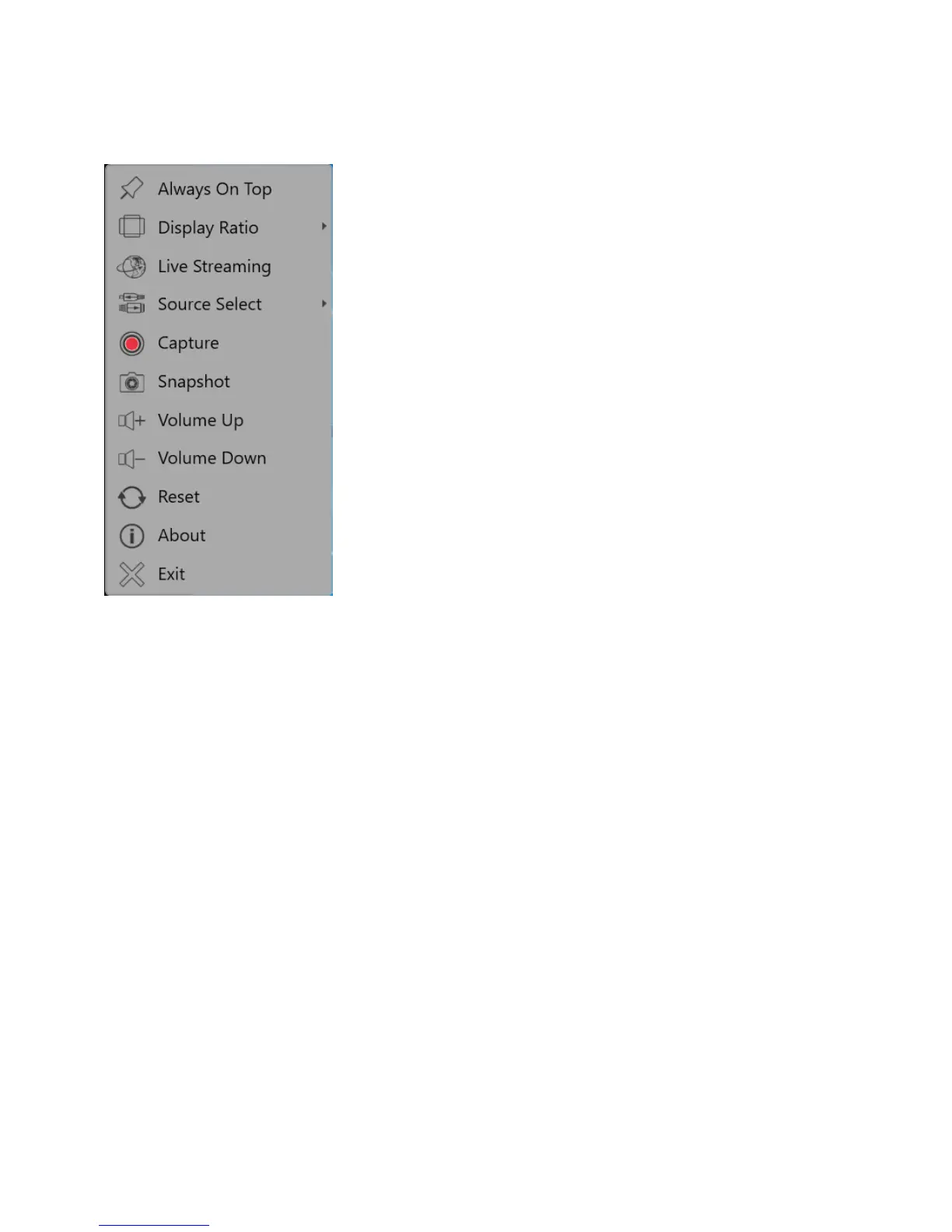
3.2 The Tool Menu
Right click to access the tool menu
Always On Top: Activate to allow the JVA04 Capture window to always be on top of the other windows
Display Ratio: Change your display ratio to 4:3, 16:9 or Free
Live Streaming: Stream your video to Twitch, YouTube or a Custom RTMP website
Source Input: Switch the video input source (the auto detected source will show auto)
Capture: Click to begin recording
Snapshot: Select to take and save a snapshot
Volume Up: Turn the volume up
Volume Down: Turn the volume down
Reset: Resets the device and signal source
About: Displays the software version information
Exit: Closes/Exits the JVA04 capture window



 To Next Page