15
ENGLISH
JABRA ECLIPSE
5.3 CONNECT VIA BLUETOOTH
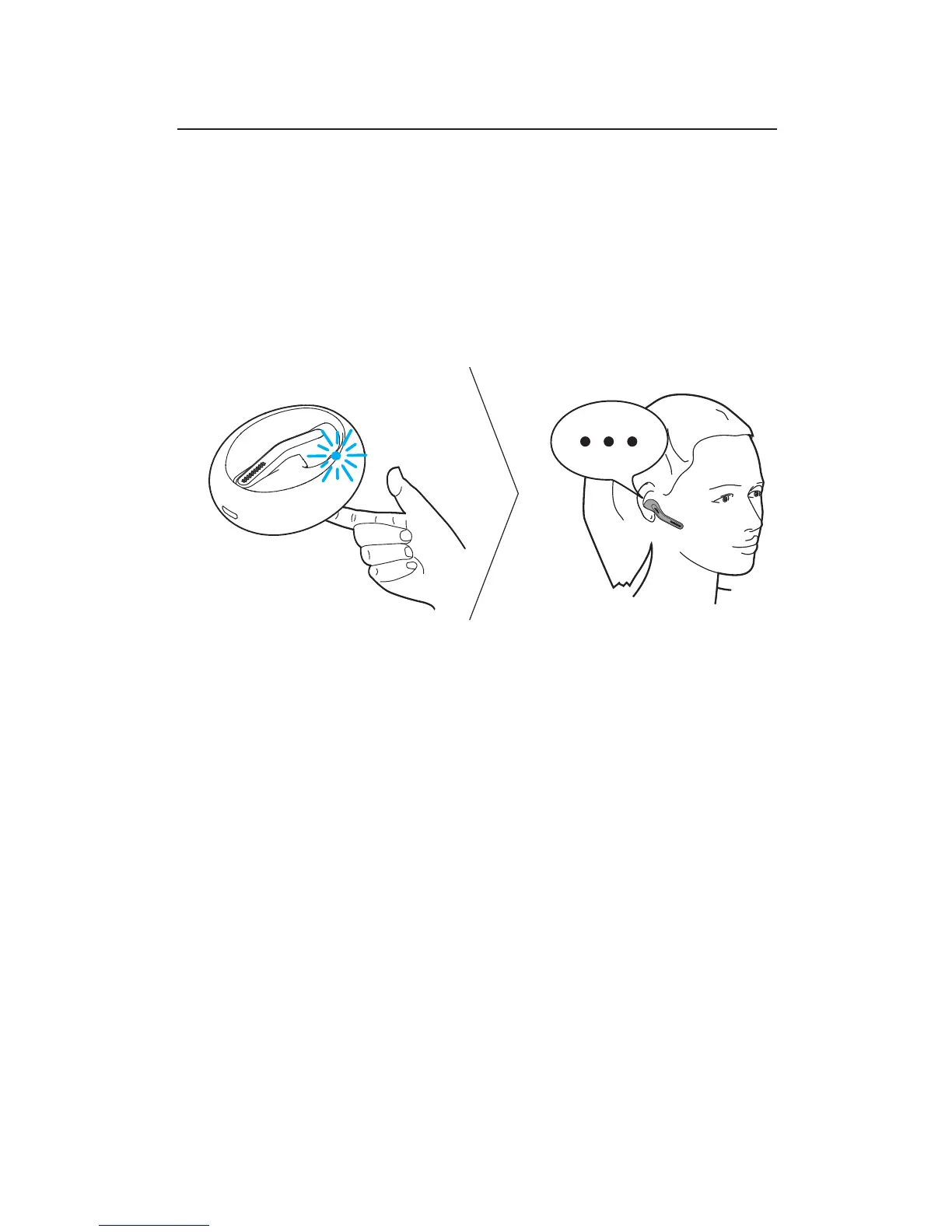
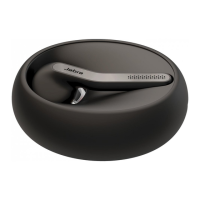
1. Dock the headset in the charging case, and
ensure the headset is charged.
2. Press and hold (3 secs) the Jabra button on the
bottom of the charging case until the light
flashes blue.
3. Wear the headset and follow the voice-guided
instructions.
NOTE: Connecting via Bluetooth only needs to be completed the
first time you are connecting to a new device.


 To Next Page