24
ENGLISH
JABRA ECLIPSE
7.9 HOW TO RESET THE HEADSET
Resetting the headset will clear the list of
connected devices. You will need to reconnect to
your mobile device/s.
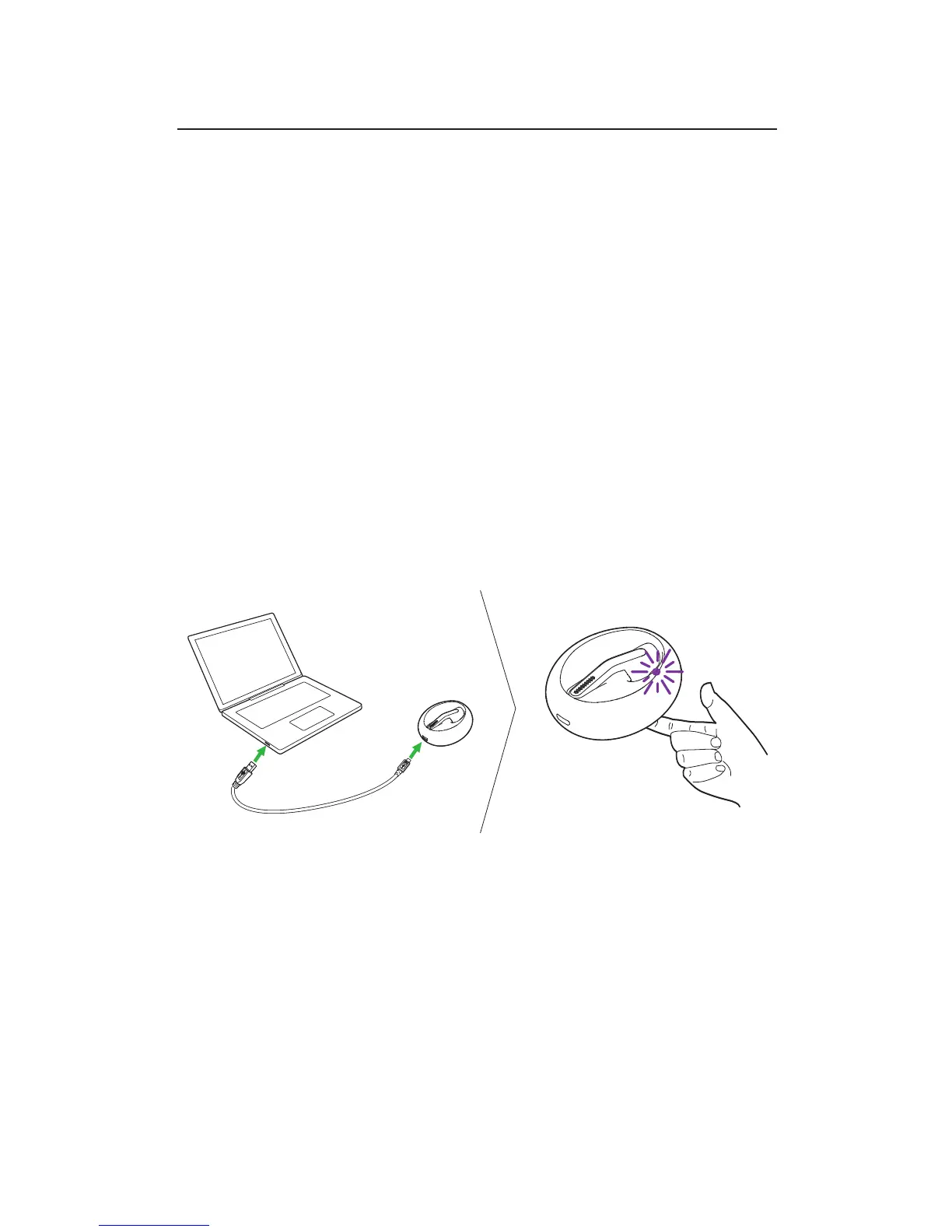
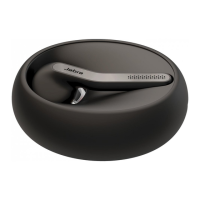
1. Dock the headset in the charging case, and
connect the charging case to power using the
USB cable.
2. Press and hold (8 secs) the Jabra button on the
bottom of the charging case until the light
flashes purple rapidly. Release the button.


 To Next Page