4
english
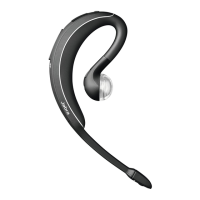
JABRA WAVE
GETTING STARTED
You should follow three steps before using your headset:
1. Charge your headset
2. Activate Bluetooth® on your mobile phone (refer to the manual for
your Mobile phone)
3. Pair your headset to your mobile phone
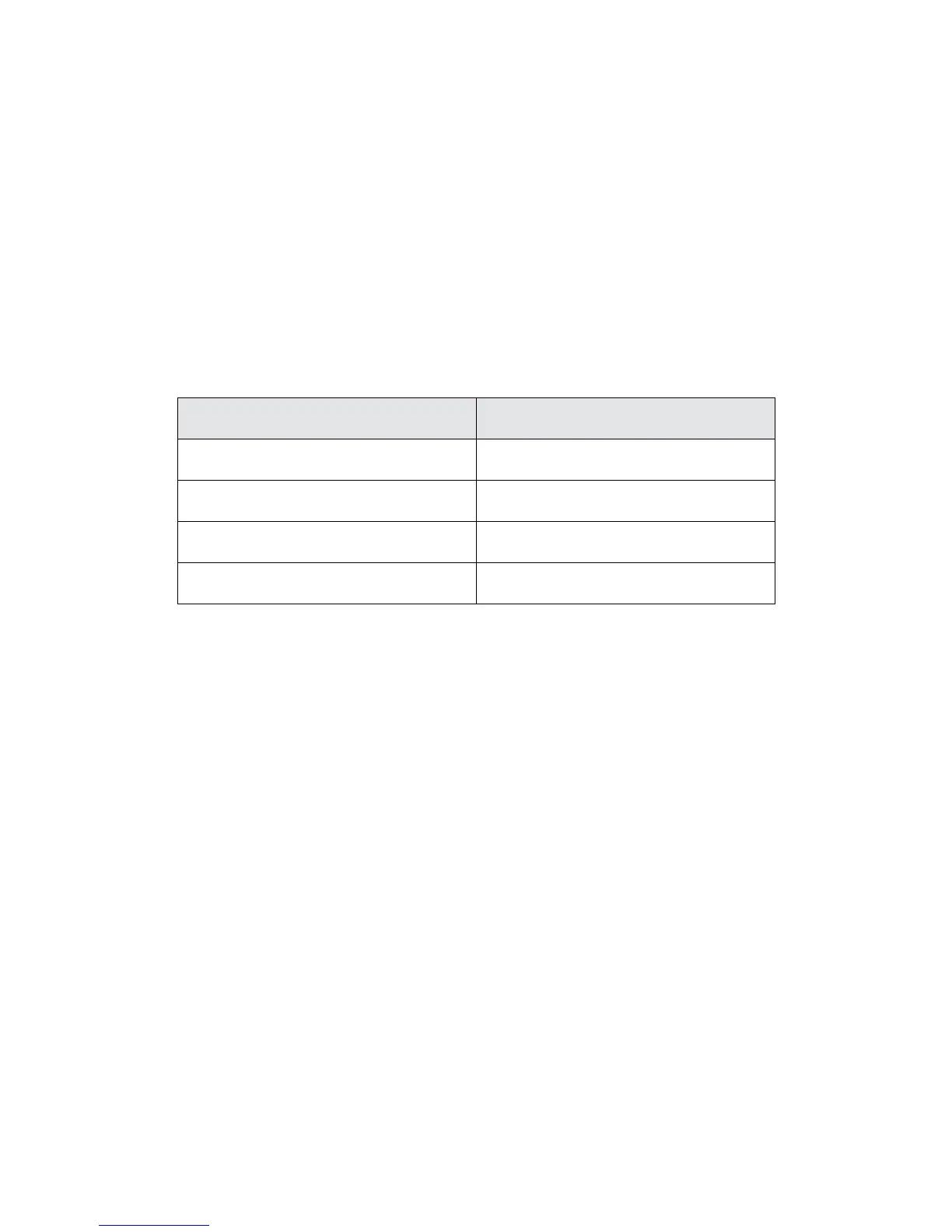
The Jabra WAVE is easy to operate. The answer/end button on the
headset performs dierent functions depending on how long you
press it.
Instruction Duration of press
Tap Press briey
Double Tap 2 quickly repeated taps
Press Approx: 1 second
Press and hold Approx: 5 seconds
CHARGE YOUR HEADSET
Make sure that your headset is fully charged for two hours before
you start using it. Use the AC power supply to charge from a power
socket. When the battery indicator has a solid red light, your headset is
charging. When the headset is fully charged the battery indicator
turns solid green for ve minutes and then turns o.
Use only the charger provided in the box - do not use chargers from
any other devices as this may damage your headset.
Please note: The lifetime of the battery will be signicantly reduced
if your device is left uncharged for a long period. We therefore
recommend that you recharge your device at least once a month.




 To Next Page