AV
AV
AV
AV
Audio/
Audio/
Audio/
Audio/ Video
Video
Video
Video System
System
System
System
-
115
-
Instruction
Instruction
Instruction
Instruction and
and
and
and Operation
Operation
Operation
Operation
Introduction
Introduction
Introduction
Introduction to
to
to
to CD
CD
CD
CD player
player
player
player function
function
function
function
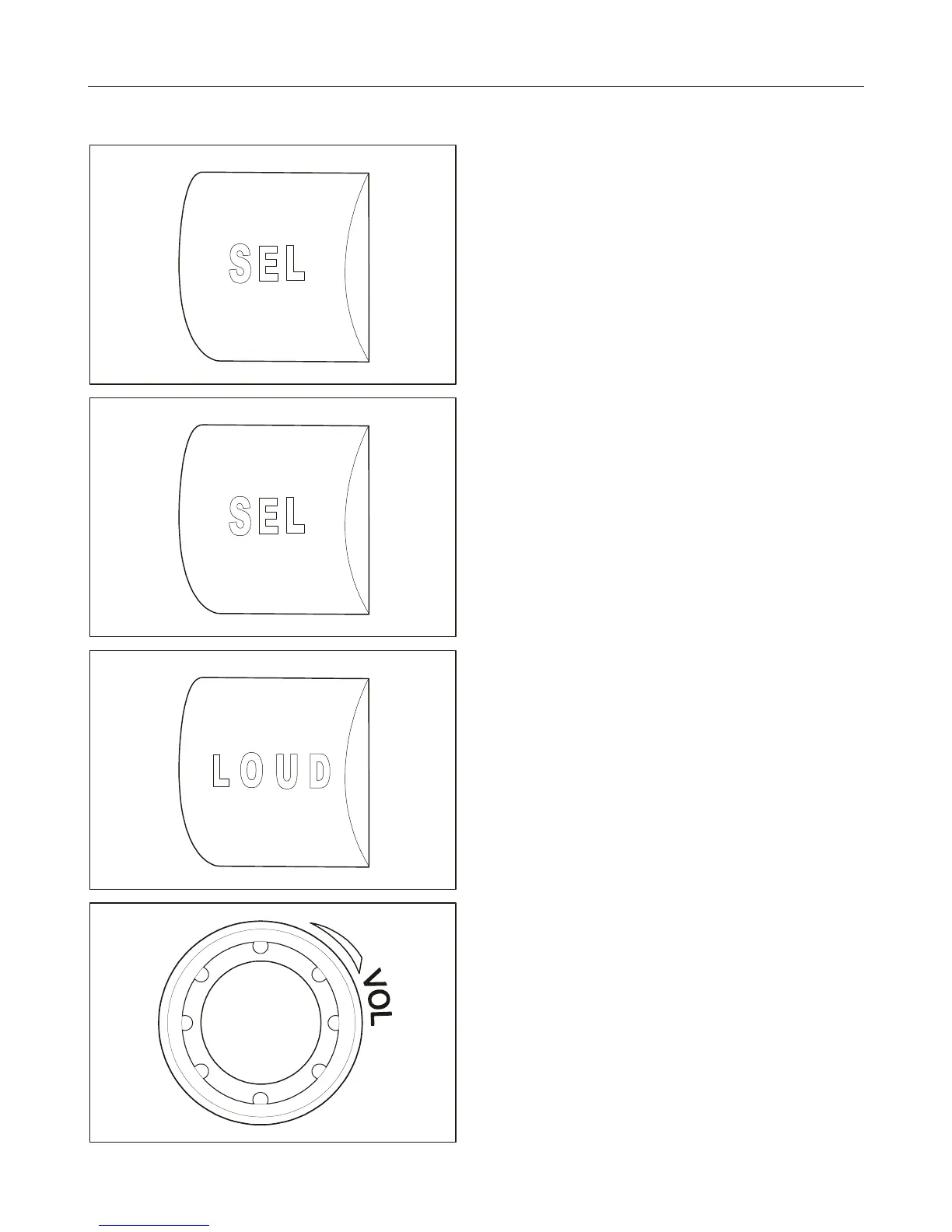
1. Press it shortly.
BASS: Low pitch
TREBLE: High pitch
BAL: Left/right balance
FADER: Front/rear balance
CUSTOM: Set by customer
2. Press it shortly.
Under “ CUSTOM ” mode, sound effect can be
achieved by adjusting volume up or down.
JAZZ: Jazz music
VOCAL: Vocal
POP : Popular music
ROCK: Rock and roll
CLASSIC: Classic music
FLAT:
Flat voice
3. Press it shortly.
Loudness enhancement ON;
Press and hold it.
Loudness enhancement OFF.
4. Press it shortly.
The machine is turned on if it is under OFF status.
Press and hold it.
Mute mode is turned on if it is under ON status.
Turn counterclockwise.
To decrease volume.
Turn clockwise.
To increase volume.



 To Next Page